
TL;DR – Quick Summary
Looking for a Prezi alternative? Maybe your presentation needs are evolving? You’re not alone.
Prezi is great for storytelling. However, if you’re hunting for more interactivity? More customizable templates? Or better integration? It’s normal to look elsewhere.
The good news is that there are plenty of Prezi alternatives out there such as Dot.vu, Canva, Visme, Beautiful.ai, Pitch, or Ludus. All you have to do is find the right one that gives you the right features to create a beautiful, Interactive Presentation.
On the hunt for a Prezi alternative? You’re exactly where you need to be.
The way we create presentations has changed a lot in the past few years. Of course, Prezi has been a long-time favourite for many companies.
Now, there are more and more tools that offer different creative ways to engage with your audience. After all, there’s no harm in exploring those tools to create memorable presentations.
Since you’re already here, keep reading to discover the best Prezi alternatives designed for Interactive Presentations.
Top 10 Prezi Alternatives
1. Dot.vu

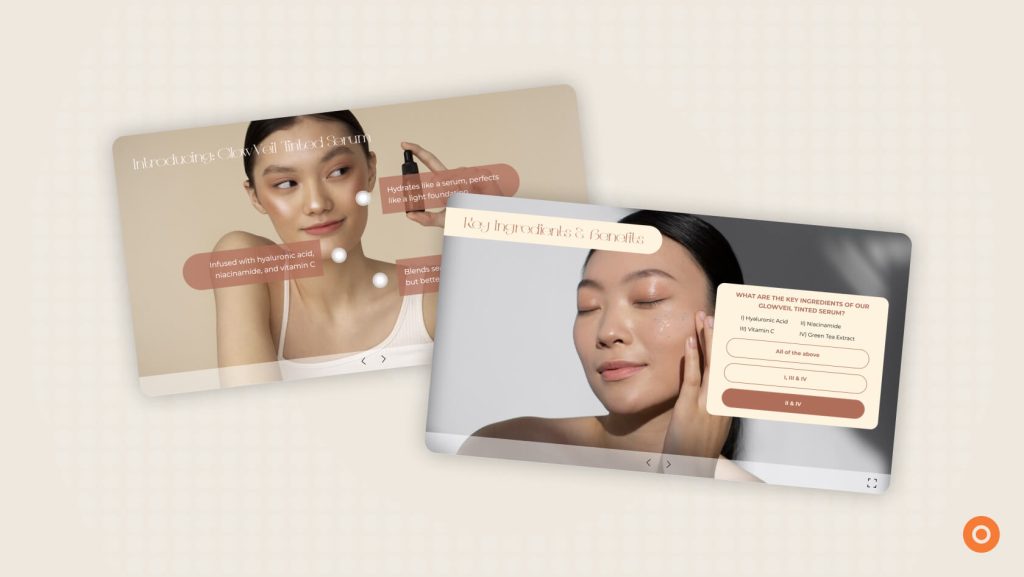
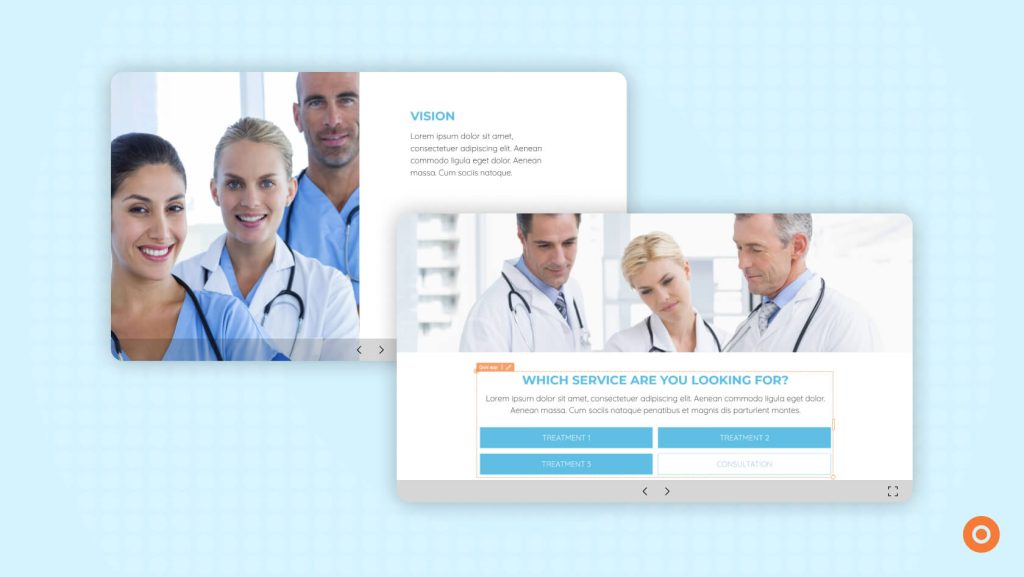
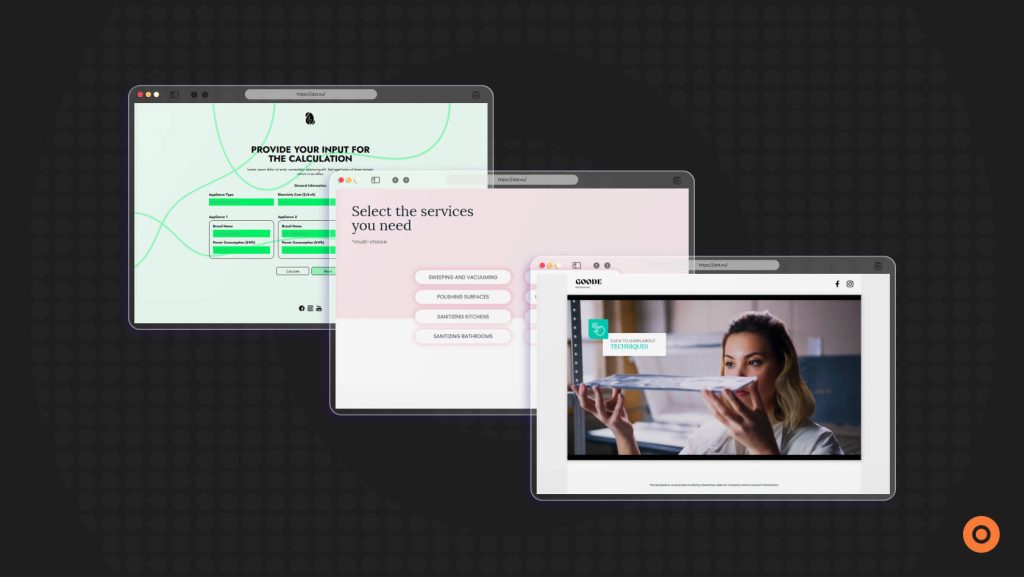
If you are looking for a Prezi alternative that provides a two-way Interactive Experience, Dot.vu is a great place to start. It gives you the freedom to create interactive journeys where your audience can click. They can explore and answer questions. More importantly, discover content at their own pace. In fact, your audience becomes part of the it.
Why teams choose it:
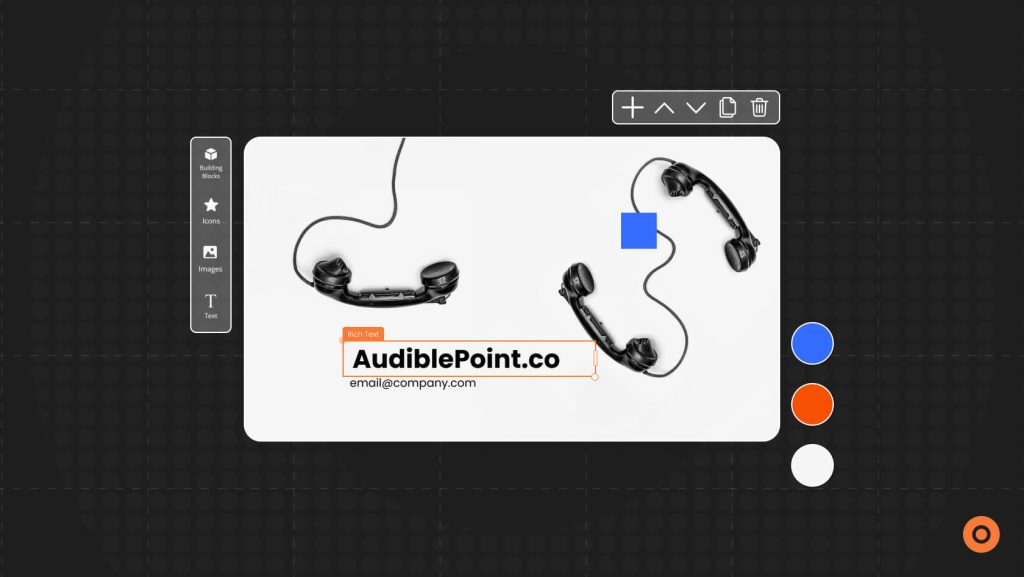
- Fully customizable Interactive Presentations with templates for you to choose from
- Hotspots, quizzes, calculators, polls, Interactive Videos, virtual tours, and branching paths
- Guided experiences that keep viewers engaged from start to finish
- Personalization and advanced logic to tailor each journey
- Built-in analytics to see how viewers interact with your content
- Easy CRM and marketing integrations
Want to learn how to create engaging presentations using Dot.vu? This blog walks you through it step by step: How to Make an Interactive Presentation Your Audience Will Remember
2. Canva

Looking for a presentation tool that makes designing feel quick and easy? Canva is another great Prezi alternative. It lets you build slides with ease, using a simple drag-and-drop interface and a huge library of templates. Whether you are creating a pitch deck. A webinar. Or a training session. Canva helps you put everything together in a way that looks polished without requiring design skills.
Why teams choose it:
- A super simple drag-and-drop editor
- More than 250,000 templates to spark ideas instantly
- Magic Design to instantly generate layouts with AI
- Brand kits to keep fonts, colors, and logos consistent
- Videos, images, gifs, charts, and audio support
- Real-time collaboration for teams
- Presenter tools for recording or going live
3. Visme

Looking to combine data? Visuals? Interactive elements? In a presentation? Visme is a solid Prezi alternative. With charts, maps, timelines, and clickable content built right in, your audience can explore the story at their own pace. It moves you beyond static slides into something more dynamic and engaging.
Why teams choose it:
- Infographic-style charts, maps, and data widgets
- Buttons, hover effects, popups, and other interactive elements
- AI Writer for generating slide text
- Custom branding with fonts, logos, and colors
- Analytics to understand how viewers interact with your presentation
- Videos, audio, and live website embeds
- Pre-built content blocks for faster creation
4. Beautiful.ai

You’re looking for a smart presentation tool that adjust your slides automatically? Then Beautiful.ai is an easy choice. It uses smart templates that shift and resize as you work (which is great!). All you have to do is work on the content. And it takes care of the design details.
Why teams choose it:
- Smart slide layouts that adjust automatically
- Presentation themes that keep everything consistent
- Collaboration with comments and version history
- AI tools to help generate slides and content
- Brand controls for teams
- Options to share online or export as PPT, PDF, or video
5. Ludus

Love building things from scratch? But you want that flexibility and room to experiment? Ludus is a good Prezi alternative for this. It offers a freeform canvas where you can layer content. Add animations. The best part, you get to shape every slide exactly how you imagine it.
Why teams choose it:
- Freeform canvas with unlimited design freedom
- Support for custom fonts and CSS
- Embeds from tools like Figma, YouTube, CodePen, and more
- Grid and alignment tools for precise spacing
- Smart Blocks for reusing design elements
- Offline editing when needed
6. Pitch

Looking for a presentation tool built for collaboration? Speed? Then, Pitch is worth exploring. It gives teams real-time editing, easy feedback tools, and clean, modern templates that stay on-brand. It’s designed for teams that move quickly.
Why teams choose it:
- Real-time collaborative editing
- Modern, minimal slide templates
- Video messages built directly into presentations
- Integrations with Slack, Notion, and Google Drive
- Slide libraries for reusable branded content
- Smooth, lightweight browser experience
7. Google Slides

Want a no-fuss presentation tool that works well with your existing setup? Then Google Slides will deliver that just for you. t fits naturally into the Google Workspace environment, which makes it convenient for teams who already use Drive, Docs, and Meet.
Why teams choose it:
- Real-time editing with teammates
- Automatic saving in Google Drive
- Simple, clean templates
- Offline editing when needed
- Integrations with Meet, Gmail, Calendar, and more
- Add-ons for charts, diagrams, icons, and interactive features
8. PowerPoint Online

If you love everything PowerPoint can do? So why not choose PowerPoint Online? It brings advanced formatting. Automated slide design templates. and all the tools you already know that’s in a simple online workspace that feels both familiar and flexible.
Why teams choose it:
- Real-time collaboration and commenting
- Access to slide masters and advanced templates
- Full animation and transition options
- SmartArt and charting tools
- AI assistance through Microsoft Copilot
- Integrations with Teams, Excel, and other Office apps
9. Zoho Show

If you’re not looking to explore a high-level interactive presentation tool? Give it a go with Zoho. After all, it fits into the Zoho ecosystem. It keeps things simple with a clean interface and the basics you need to create and share presentations.
Why teams choose it:
- Real-time collaboration with comments and roles
- Remote presentation mode for broadcasting online
- A mix of classic and 3D transitions
- Professional templates and themes
- Integrations with Zoho CRM, Projects, GitHub, Slack, and OneDrive
- Support for embedded web content
10. Haiku Deck

If you want a presentation tool that keep things simple? Visually focused? Access to high-quality photos? Give it a try with Haiku Deck. It leans into clean storytelling, minimal text, and bold imagery. In other words, it’s perfect for live talks and classroom sessions.
Why teams choose it:
- Very simple, clean slide builder
- Access to millions of high-quality images
- Consistent styling across slides
- Mobile app for easy editing on the go
- Cloud-based access and simple export options
Tips for Selecting a Prezi Alternative
Choosing a Prezi alternative is less about finding a presentation tool you want to use to create. It is about finding the right presentation tool that gives you the right support.
So, here are a few things to think about before making your choice:
1. Interactivity Level
If the level of interactivity is your main focus, look for Interactive Presentation tools that provide features that hold your audience’s attention. Think of games. Quizzes. Live polls. Guided paths.
On the side note, if you want a know how Interactive Presentations stand apart from traditional slides, this blog is a great place to start: Traditional vs. Interactive Presentations: Differences You Need to Know.
2. Template Variety
A good template library with many varieties makes a huge difference. It can also save you hours. So, choose a tool that gives you customizable templates.
3. Ease of Use
Ask yourself? Do you want speed? Or flexibility? Of course, some tools offer different levels of control. Some focus easy drag-and-drop editing. While, other tools let you fine-tune every detail. Consider what works best for you.
4. Collaboration Features
And if you are building presentations with a team, collaboration really matters. You want to check comments. Look into real-time edits. Version histories. And more. So choose, a tool that also keeps everyone align, which is a big win.
5. Integration Options
If your presentations are part of a bigger workflow, integrations is very important. So, look for presentation tools that connect with your CRM. Marketing tools. Analytics platforms. Cloud storage. After all, you do want to get valuable insights into your audience behavior.
6. Branding and Customization
Consistency matters. Therefore, look for tools that lets you customize colors. Fonts. Layouts. So, everything stays on-brand.
7. Type of Presentation You Want to Create
Think about the kind of Interactive Presentation you want to create? Is it a webinar? Product demo? Training module? Pitch deck? Choose a presentation tool that fits the experience you want to deliver.
Finding the Right Prezi Alternative for You
Choosing the right Interactive Presentation tool doesn’t have to be complicated. It really comes down to how you want your audience to experience your presentation.
Maybe you want something more interactive? Maybe you prefer a modern, design-forward tool? Or maybe you simply need a platform that keeps your team aligned?
Take a moment to think about your workflow. Your goals. More importantly, the type of presentation you want to create.
Once you know what matters most, finding the right tool becomes easier.
And if you’re ready to create truly memorable Interactive Presentations, give Dot.vu a try.
Create a free trial account to start building presentations that keep your audience awake, engaged, and impressed.