TL;DR
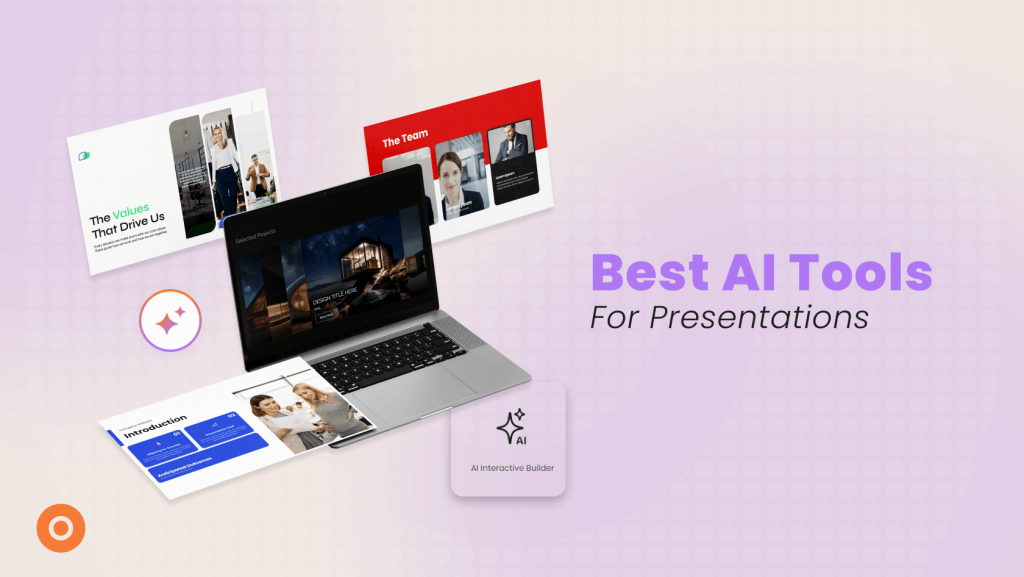
AI tools for Interactive Presentations help teams create more engaging, flexible, and useful presentation experiences without building everything manually from scratch.
Some tools focus on full Interactive Experiences, like Dot.vu, where you can build clickable journeys, quizzes, calculators, forms, hotspots, and personalized paths with the help of AI. Others, like Genially, Mentimeter, Alai, and Prezi AI, support different presentation needs, from interactive quizzes and audience polls to AI-generated slide decks and cinematic visual layouts.
The real value is not just speed. It is choosing the right AI tool based on what you need your presentation to do: guide users, collect insights, personalize the journey, spark participation, or simply turn rough notes into a polished deck faster.
Why AI Is Changing How Presentations Work?
Presentations have a completely new job to do these days.
Clicking through a fixed set of slides and hoping your message lands just does not cut it anymore. Teams are actively looking for the best interactive content solutions to make their messaging feel relevant, responsive, and immediately useful. That is exactly why AI is dominating this conversation.
And the numbers from Adobe prove it. Right now, 65% of senior executives are bringing in AI and predictive analytics to keep customers coming back. On top of that, 61% are tapping into these tools to create highly personalised experiences, and almost 60% want to automate the buyer journey completely.
That shows exactly where the industry is heading.
Marketers are not just using a no-code Interactive Content platform or AI to churn out text faster. They are using it to completely overhaul how audiences experience that content. This matters heavily for presentations because you should never push the exact same message to everyone in the exact same order.
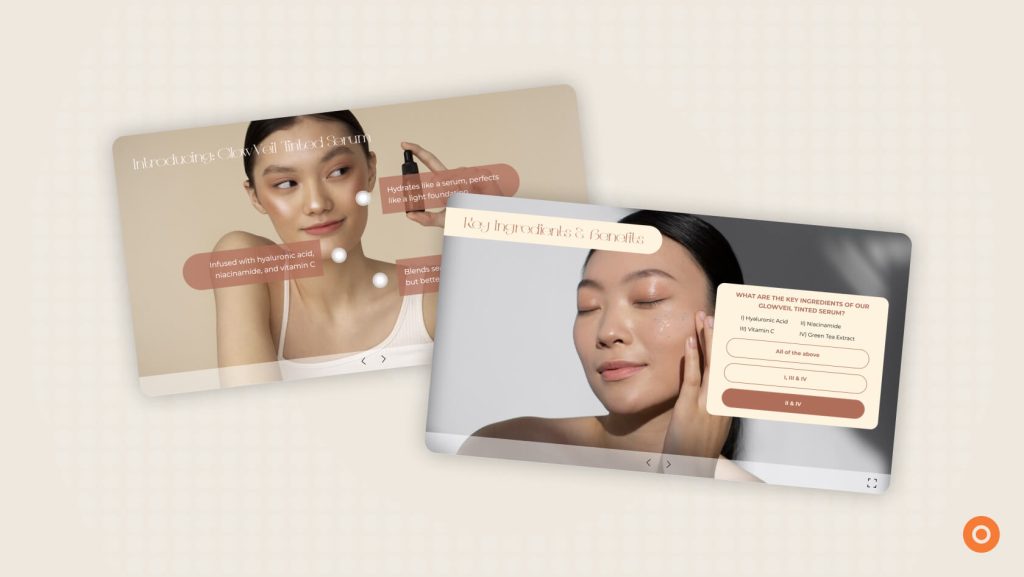
Your presentation needs to help people find what they care about, faster. This is where AI Interactive Content truly shines. When you bring AI into your workflow, creating dynamic experiences becomes incredibly simple. You can easily move away from fixed, generic slides and build something your audience wants to click through and explore, whether that is through clickable journeys or AI-powered quizzes.
What is an Interactive Presentation?
Most presentations are painfully one-sided. You talk, and your audience just sits there.
In fact, Interactive Content changes that dynamic entirely. This goes way beyond dressing up a basic PowerPoint with flashy animations. You are giving the buyer actual control over what they see. Nobody has to sit through a rigid corporate sequence anymore because you are inviting them to actively steer the conversation.
They get to explore their own journey. For example, if a buyer only cares about your pricing or a highly specific use case, they can jump straight there without having to sit through ten slides of company history.
Giving your audience that level of control is exactly why the best Interactive Content crushes traditional slides when it comes to holding attention.
It strips away the usual friction and makes the experience completely responsive to the user.
Top AI Tools for Interactive Presentations
Interactive presentation platforms have been around for a while.
The newer layer is the AI.
And that matters because AI can take a lot of the heavier setup work off your plate. Instead of building every quiz, content block, visual, or interactive element from scratch, teams can create a first version much faster and shape it from there.
That is the real benefit.
The platform gives you the Interactive Presentation format. The AI helps you build it faster.
1. Dot.vu
If you are looking for a platform that delivers non-linear navigation, clickable journeys, real-time insights, and data capture, Dot.vu handles exactly that. They are built to go far beyond a rigid slide sequence.
So rather than asking your audience to sit through the same flow from start to finish, it gives them more ways to interact with the content and focus on what matters to them.
You also do not need a developer to make any of this happen. The AI Interactive Builder does the heavy lifting.
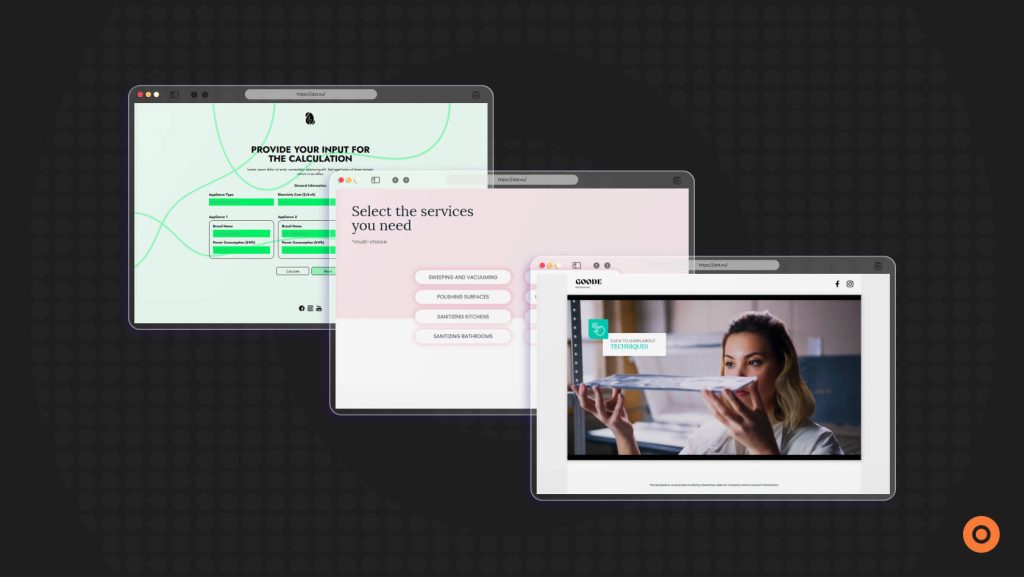
Need a custom calculator? Or a lead form? Or a clickable hotspot? Just type out a quick prompt. It functions as a genuine no-code Interactive Content platform, meaning you can get tailored campaigns live in a matter of seconds.

2. Genially
Let’s look beyond standard slides for a minute. Genially steps up with their AI Builder when you need to build various interactive assets, rather than just pitch decks. Think of it as having an extra pair of hands.
Their AI Builder takes care of generating quizzes, translating your copy, and even sorting out voiceovers. It runs on a very straightforward visual interface. Your marketing team can push out fully animated campaigns entirely on their own and handle the whole process independently.

3. Mentimeter
If you’re looking for another AI builder to help you create a presentation, Mentimeter got your covered. Their AI Creator build interactive sessions with word clouds, polls, and Q&A, along with built in facilitation tips to spark discussion.
If you are hosting a workshop and need the crowd to stay awake, this is the exact tool you want to use.

4. Alai
Now, what if you are just totally out of time? Alai is built for those last-minute deadlines.
Just paste your rough notes right into their AI. The platform takes that text and instantly delivers a formatted, professional slide deck. It completely streamlines the design process and handles all the layout alignments for you. That is a huge win when you have a major meeting coming up quickly and want to shine.

5. Prezi AI
Prezi AI steps in when you want a highly visual, cinematic presentation layout. You just drop your existing files into the platform, and the AI instantly builds your content across a single, wide-open canvas.
As you present, the screen physically moves and zooms into different topics. It feels much more like watching a dynamic story unfold rather than reading a static PDF. Pick Prezi if you really need to shake up the visual experience.

Why Use an AI Tool for Interactive Presentations?
A regular presentation can share information.
An interactive one can help people do something with it.
That is the real difference.
When you use an AI tool for interactive presentations, the benefit is not just speed. It is that you can create something more useful for the audience without making the build process heavier for your team.
Here are some of the biggest benefits.
1. You can build faster
Creating an Interactive Presentation from scratch usually takes more work than building a standard deck.
You need to think about structure, navigation, content paths, and interactive elements. AI helps reduce that lift by speeding up the early build stage. Instead of starting with a blank page, you can generate a first version much faster and then refine it.
That makes it easier to move from idea to working experience without getting stuck in setup.
2. You can make the presentation more engaging
Static slides are easy to ignore.
Interactive Presentations give people something to do. They can click, choose, explore, answer, and move through the content in a way that feels more active. AI can support that by helping generate the interactive pieces that make the experience more dynamic in the first place.
And when people are involved, they are more likely to stay with the content.
3. You can create more personalized paths
Not everyone wants the same information in the same order.
Some people care about pricing. Others want use cases. Some want proof. Some just want the short version.
AI features let you map out custom pathways for your audience. Viewers get to click straight to the exact details they actually care about, creating a highly tailored experience that speaks directly to their specific goals.
4. You can add interactive elements without making the workflow too heavy
This part matters.
Because Interactive Presentations sound great until every update turns into extra production work.
AI steps in here as your design assistant. You no longer have to build every single lead form or custom calculator from scratch. The system generates those pieces instantly, allowing your marketing team to stay incredibly agile and push out updates without any delays.
5. You get better audience signals
A standard deck tells you almost nothing beyond whether someone opened it.
An Interactive Presentation gives you more to work with.
You can see what people clicked on.
What they skipped.
What held their attention.
More importantly, which paths they followed. That gives you a better sense of interest and intent, which is much more useful than a simple view count.
The Real Value of AI Built Interactive Presentations
AI tools for Interactive Presentations can help you do more than build slides faster. These platforms actually transform how your buyers consume information, giving them a much richer, self-guided experience.
That is the real shift.
Let your audience take the wheel. They can jump straight into the exact data points or solutions they care about most. And since the software is doing the tedious design work in the background, your team can push out fresh campaigns weekly without hitting a wall.
The best tools are not just adding AI for the sake of it. They exist specifically to boost engagement and keep your messaging highly relevant to the reader.
If your priority is getting a campaign live quickly, Dot.vu’s AI Interactive Builder handles the actual grunt work. You don’t have to build every single element from scratch. The system simply generates your custom lead forms, interactive hotspots, and calculators in seconds, allowing you to bypass the manual design phase and launch much faster
Grab your 14-day free trial right here to see exactly how fast you can launch a campaign that actually converts.
Frequently Asked Questions
It is a two-way presentation that boosts your audience engagement. Instead of moving through a fixed set of slides, your audience can:
– Click
– Choose
– Explore
– Answer
– Interact with the content as they go
That makes the experience feel more engaging and more useful than a standard deck.
These platforms simply take the manual work out of the design process. Some tools operate as quick formatting assistants to speed up your basic slide creation. Others function as interactive builders, automatically generating the engaging features for you—like custom calculators, personalized paths, and quizzes—so you aren’t forced to build every piece from scratch.
Yes, saving time is great, but the biggest win is what your team can actually create. Usually, you need a developer to build a presentation that changes based on what people click on. The AI handles the technical work for you. That means anyone on your team can build these presentations themselves, without ever needing to ask a developer for help.
Yes. AI-powered quizzes can work well inside Interactive Presentations because they give people a way to respond. Share preferences. Or answer questions as they move through the experience. That can make the presentation feel more personalized while also giving your team better insight into what the audience is interested in.