Sales presentations have a tough job.
People sit through a lot of presentations (I’m looking at you, meetings that should have been an email). Between demos, webinars, sales pitches, and endless slide decks, attention is in short supply. By the time your presentation pops up on someone’s calendar, there’s a good chance they’ve already seen the same story from your competitors.
It takes more than a pretty PowerPoint to stand out.
The best sales presentations enable buyers to appreciate a problem, visualize a solution, and be assured of a next step. They maintain the conversation for the audience, rather than an extended introduction or a feature presentation.
A strong sales presentation should be clear, relevant, and engaging. It should make information easier to understand, not harder.
Let’s take a look at 10 practical ways that will make your sales presentations better and capture the attention of your prospects from the first slide to the last call to action.
Table of content:
- What Makes a Sales Presentation Effective?
- 1. Start With Your Audience, Not Your Company
- 2. Lead With a Problem Worth Solving
- 3. Keep Your Slides Clean and Simple
- 4. Tell a Story, Not a Feature List
- 5. Focus on Benefits, Not Features
- 6. Use Data to Support Your Claims
- 7. Make It Interactive
- 8. Create a Clear Flow
- 9. Rehearse Before the Meeting
- 10. End With a Clear Next Step
- One Last Thing Before You Present
What Makes a Sales Presentation Effective?
A great sales presentation isn’t necessarily the one with the most impressive design or the longest list of features.
It’s the one that helps your audience quickly understand why they should care.
The best sales presentations are:
- Relevant to the audience’s goals and challenges
- Easy to follow
- Focused on outcomes instead of product features
- Supported by data and real-world examples
- Designed to encourage participation, not passive viewing
When buyers feel like a presentation was built specifically for them, they’re far more likely to stay engaged and continue the conversation.
1. Start With Your Audience, Not Your Company
Most people don’t care about the length of time your business has been around. They are interested in finding a solution to a problem.
This is why we always say it’s important to KNOW YOUR AUDIENCE:
What are their goals?
What’s slowing them down?
What results are they trying to achieve?
The more relevant your presentation feels, the easier it is to keep attention. A marketing manager, sales leader, and executive may all be in the same meeting, but they’re often listening for different things.
Make the presentation about them, not you.
2. Lead With a Problem Worth Solving
Nobody wants to sit through 10 slides before finding out why they’re even there in the first place.
Begin every talk with some challenge that is familiar to your audience. This will make it instantly clear that you have an understanding of their situation and you’re not coming to them with a fancy product brochure.
A well-defined problem provides direction to your presentation and makes the solution more relevant.
Just skip the dramatic “everything is broken” approach. A room full of stock photos and corporate language has never solved anyone’s problems.
3. Keep Your Slides Clean and Simple
A crowded slide is often a sign that too much is trying to happen at once.
If your audience has to choose between listening to you and reading a wall of text, they’ll usually pick the text.
Avoid presenting more than one idea per slide. Rely on visuals, charts and key takeaways as a support to your message, don’t tell them everything!
The good rule of thumb: If a slide looks like it could be a blog post, it probably should be.
Need inspiration? Check out these creative presentation ideas that can help you communicate more with less content on each slide.
4. Tell a Story, Not a Feature List
Features matter, but they’re rarely the most memorable part of a sales presentation.
People connect with challenges, solutions, and outcomes. Instead of listing everything your product does, show how it helped solve a real problem.
A simple structure works well:
- The challenge
- The solution
- The outcome
Stories make information easier to follow and give buyers a clearer picture of what success could look like. They’re also far more interesting than Slide 17 titled “Additional Features.” Research from Harvard Business Review has shown that stories are often easier to remember than facts alone, making them a powerful tool in sales presentations.
5. Focus on Benefits, Not Features
Here’s the thing, your audience doesn’t need a guided tour of every button, setting, and feature.
They want to know how your solution will make their work easier, faster, or more effective.
For every feature you mention, connect it to a benefit.
Instead of saying, “Our platform includes advanced analytics,” explain how those analytics help teams make better decisions or spot opportunities sooner.
Features tell buyers what something does. Benefits explain why they should care. That’s usually the part people remember.
6. Use Data to Support Your Claims
You can say your solution saves time, improves efficiency, or increases engagement. Let’s be real for a minute, have you ever bought anything without seeing the proof first? Exactly.
It’s much more convincing when you can prove it.
Include relevant statistics, customer results, or case studies that support your points. Numbers help build credibility and give buyers something concrete to remember.
Just don’t overwhelm people with charts on every slide. You’re giving a sales presentation, not assigning homework.
7. Make It Interactive
The average sales presentation is a one-way conversation. One person talks while everyone else politely tries not to check their email.
Adding interactive elements can help keep buyers engaged and involved in the discussion.

This could include:
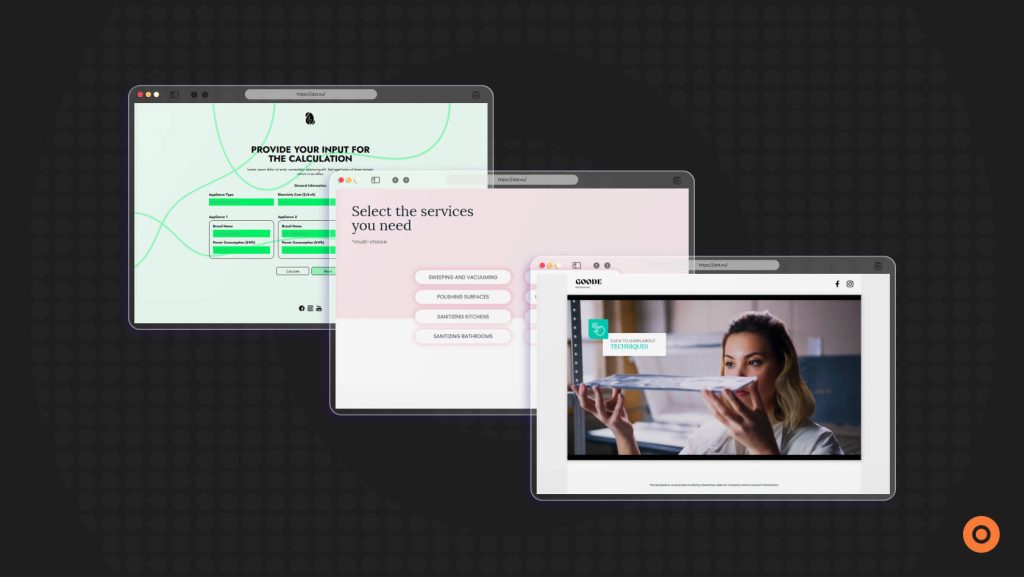
If you’re looking for inspiration, these interactive elements can help turn passive viewers into active participants.
Instead of asking buyers to sit back and watch, give them opportunities to participate. The more involved they are, the more memorable your presentation becomes. According to Forrester Research, Interactive Content can help increase engagement and encourage deeper participation compared to static content.
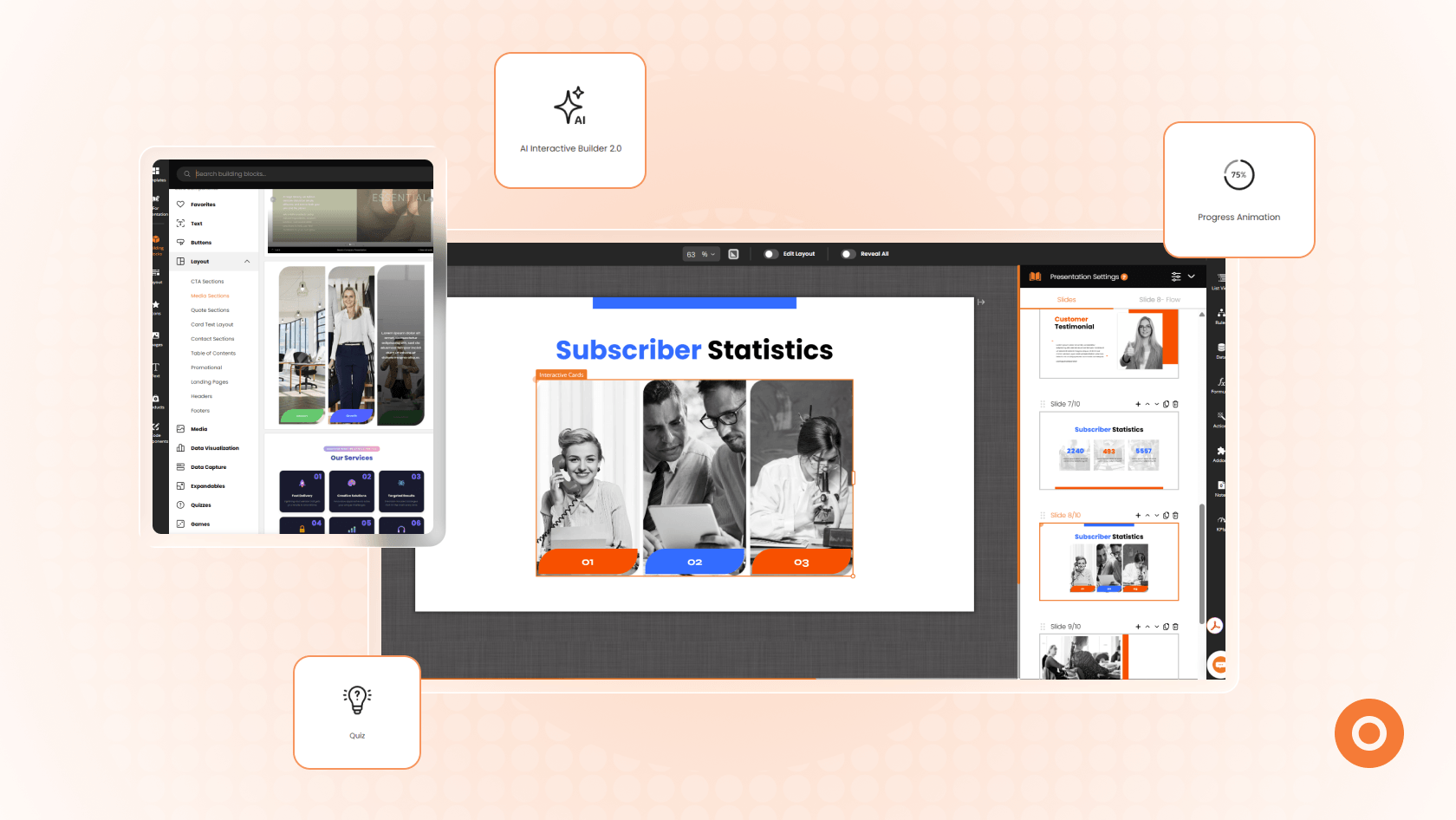
Want to build an interactive sales presentation? Here’s a step-by-step guide to creating one on Dot.vu.
8. Create a Clear Flow
A sales presentation should feel easy to follow.
Jumping between topics, features, and statistics can leave buyers wondering what point you’re trying to make.
A simple structure often works best:
- The problem
- The impact
- The solution
- The proof
- The next step
If your audience needs a map to understand your presentation, it’s time to simplify it.
9. Rehearse Before the Meeting
No matter how effective your sales presentation is, if you don’t sound prepared or hurried, it will likely fall flat.
A quick rehearsal will help you identify awkward crossovers and prune out unnecessary or uncalled-for material and to make sure that you are not exceeding the time limit.
AI presentation tools can also help speed up content creation and presentation planning when you’re short on time.
You don’t need to memorize every word. This isn’t a school presentation where you’re desperately trying to remember what comes after slide 3 while avoiding eye contact with the teacher (we’ve all been there).
The more natural the delivery is, the more your audience can concentrate on your message.
10. End With a Clear Next Step
A strong sales presentation shouldn’t leave buyers wondering what happens next.
Once you’ve presented the problem, solution, and proof, make the next step obvious.
This could be:
- Booking a demo
- Starting a free trial
- Scheduling a follow-up meeting
- Requesting a proposal
Don’t make people guess. If they’re interested, tell them exactly how to keep the conversation moving.
A well-structured sales deck without a clear call to action is a bit like ending a movie ten minutes early. Everyone is left sitting there wondering if they missed something.
One Last Thing Before You Present
Standing out doesn’t require flashy animations, complicated slide designs, or fifty slides packed with information.
The most effective sales presentations are clear, relevant, and target audiences. They provide answers to quandaries, a story, evidence, and an easy-to-understand assessment of value.
Most importantly, they create a conversation instead of a lecture.
If you’re looking for a faster way to build more engaging presentations, using a pre-built sales presentation template can help. Rather than building a new slide deck from the ground up, you can concentrate on enhancing your message, highlighting your value, and really make it better for your audience.
Take a look at Dot.vu’s sales presentation templates and build interactive and engaging presentations that will keep your prospects engaged from the very first slide to the very last.
When you focus less on selling and more on helping your audience make informed decisions, your sales presentation becomes much harder for people to fall down a rabbit hole.