
Looking for digital lookbook examples to inspire your next collection? A lookbook lets customers browse your products, take a closer look at what catches their eye and find something that suits them. They can explore product details, get a recommendation or head straight to the product page when they’re ready to buy.
And those visuals matter. According to Salsify’s 2026 Consumer Research, 61% of shoppers surveyed identified product images and videos among the most important product-page elements when deciding to buy. An Interactive Lookbook brings those visuals together with clickable details, giving shoppers more ways to explore your products.
Looking for ideas for your own collection? These six digital lookbook examples cover fashion, beauty, interiors and photography, with practical ideas you can borrow for your next project.
What is a lookbook?
A lookbook is an online tool designed to showcase products and designs through compelling visuals. Originally popularized by the fashion industry, lookbooks have now gained popularity among photographers, designers, and various other creative fields.
In the business world, an Interactive Flipbook serves as a high-quality presentation of your offerings. It’s particularly popular in industries such as photography, cosmetics, interior design, and fashion.
For years, companies have used lookbooks to attract and engage customers. However, a new and improved approach has revolutionized the way brands utilize lookbooks. Let’s explore how Interactive Content has transformed this powerful tool.
What is an Interactive Lookbook?
An Interactive Lookbook is a dynamic, engaging version of a traditional lookbook that invites users to actively participate in the content. Rather than passively viewing images and consuming information, users become part of the experience by clicking on hotspots, answering questions, or even playing games.
Imagine a virtual catalog with a realistic page-flip effect. As customers navigate through the pages, they become more engaged by clicking on items they like, answering questions in an ecommerce quiz, and even playing mini Marketing Games to win discount codes. What is more, they get captivated by stunning animations that enhance the experience even more.
Experiences like this don’t have to be static. With Dot.vu’s AI Interactive Builder, you can create Interactive Lookbooks and product experiences from a simple prompt, then customize how customers explore, flip through, and engage with your content.

Why use an Interactive Lookbook?
A beautiful image might catch someone’s attention. What helps them take the next step? Being able to find the details they need.
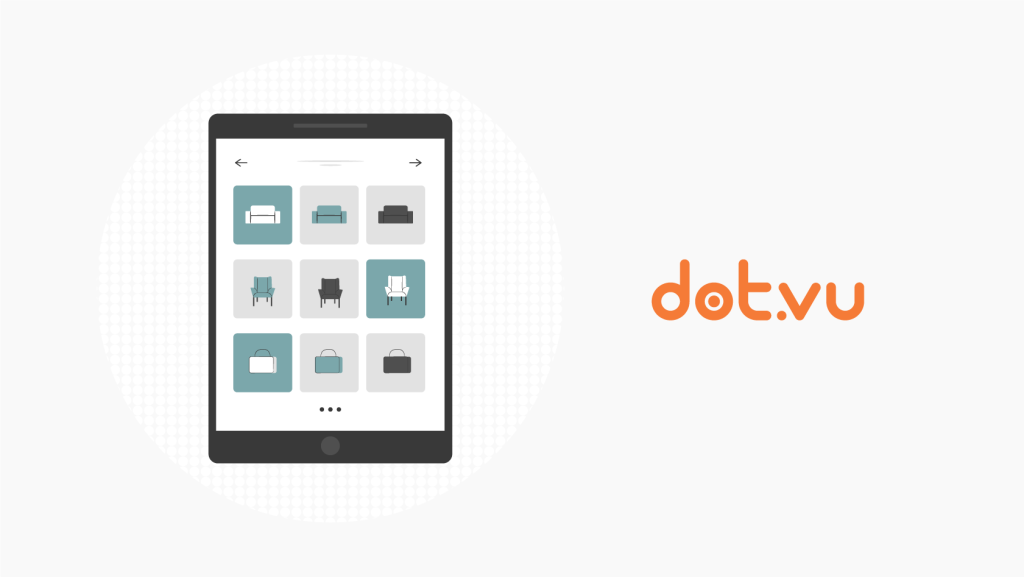
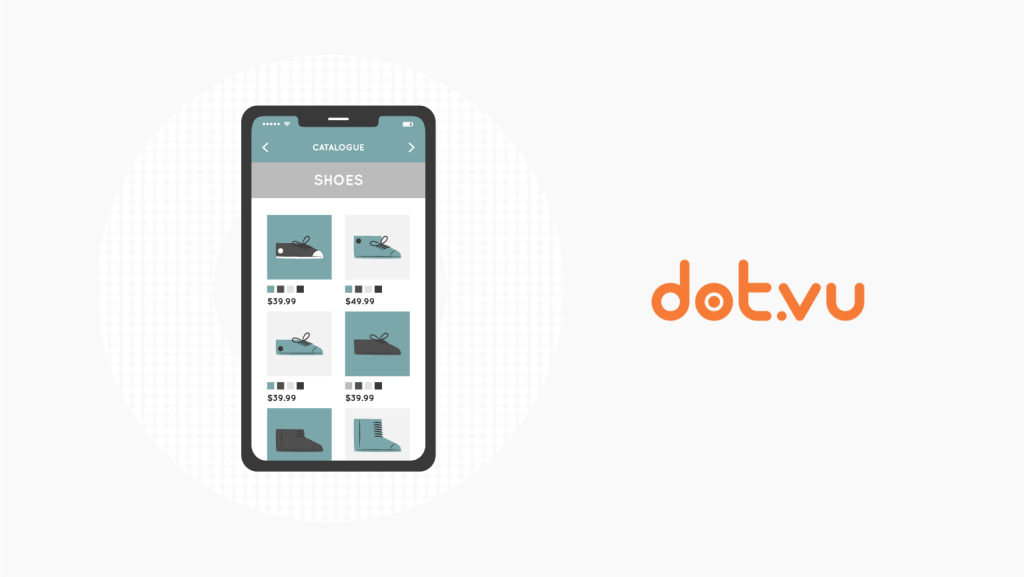
An Interactive Lookbook lets customers click on a product to learn more, explore different options or see it in action through a video. You can keep the main pages visually clean while making extra information easy to find.
That experience needs to work on a phone, too. According to Adobe Analytics, 56.4% of U.S. online transactions during the November–December 2025 holiday season took place on smartphones.
Related: What is an Interactive Lookbook?
Lookbook examples to try
Here are some standout examples of lookbooks that can inspire your next marketing campaign and showcase how versatile and engaging Interactive Content can be.
1. Fashion Catalog
Starting with our fashion lookbook examples, this one is truly a feast for the eyes! The immersive page flip effect takes shoppers on a captivating journey, while the stunning animations and clickable elements help users visualize your products better. Additionally, the newsletter signup form at the end ensures that customers never miss an important new collection.
2. Sportswear Lookbook
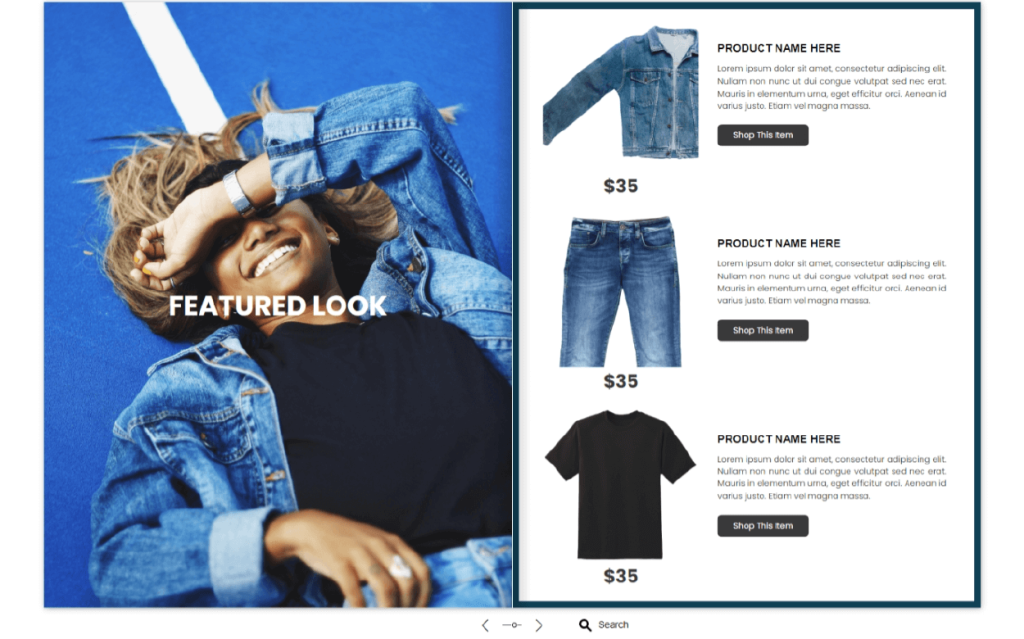
This Sportswear Lookbook is a powerful marketing tool designed for online retailers. Filled with stunning animations, interactive clickable elements, and a built-in product finder, this lookbook offers an engaging and immersive experience. It even features our special flip-page effect, making it feel like a real physical catalog.
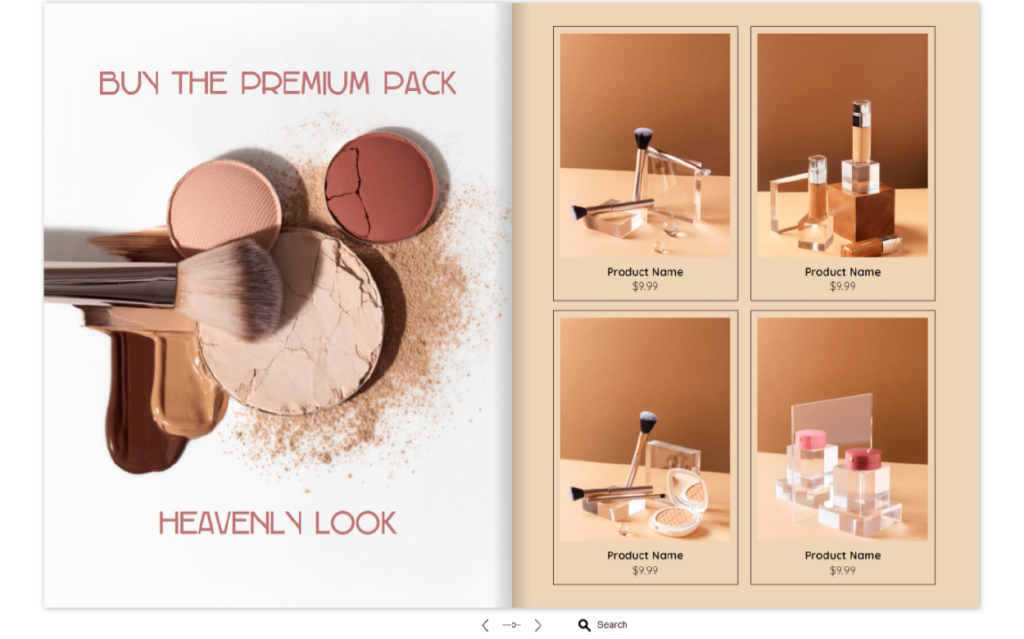
3. Beauty Product Catalog
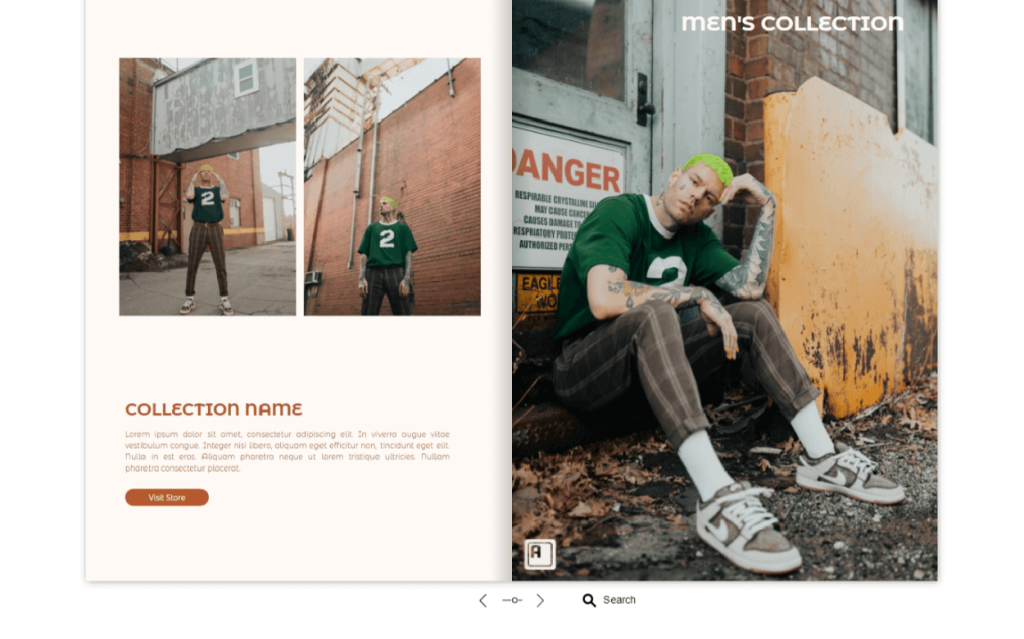
This Beauty Product Catalog is perfect for showcasing your beauty items with style. Even better than a physical catalog, this lookbook creates an immersive experience for users, captivating them with beautiful animations on every page. Furthermore, the clickable elements that reveal additional information about each product help avoid design clutter and keep the layout clean and pleasant for the eyes.
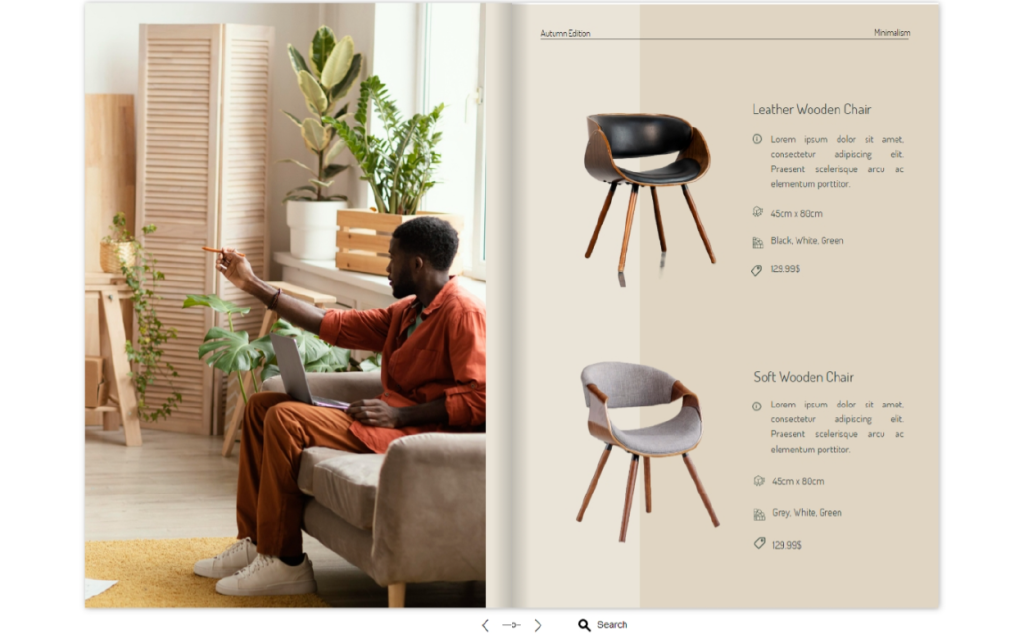
4. Furniture catalog
Continuing with our interior design lookbook examples, this Furniture Catalog showcases your products in an engaging way. Featuring a classic page flip effect, clickable images, add-to-cart buttons, and amazing animations, this lookbook easily turns viewers into active buyers.
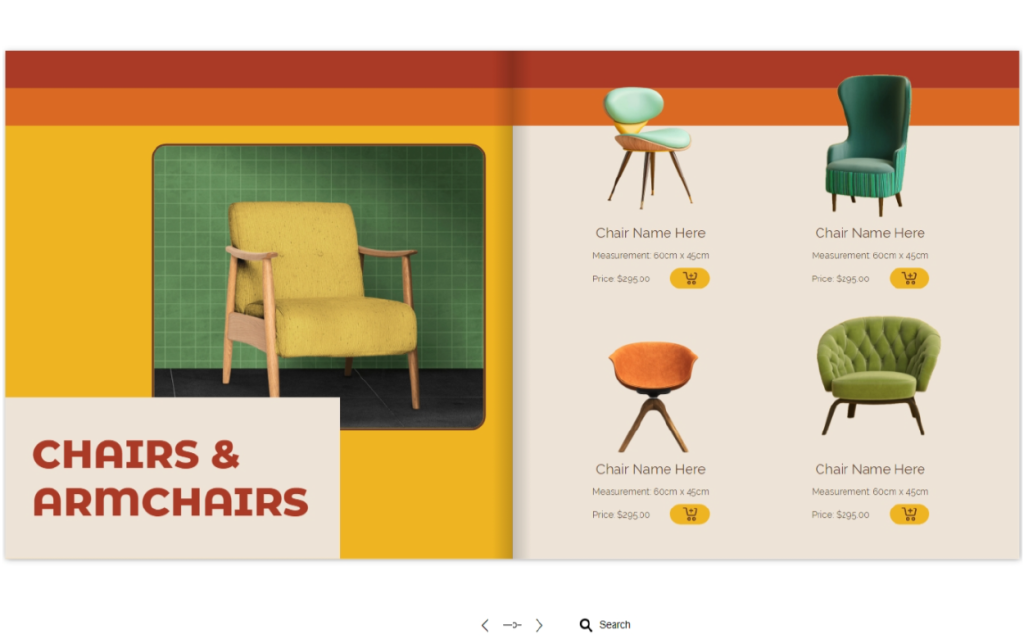
5. Furnishing Catalog
Another idea for interior design businesses, this Furnishing Catalog encourages direct purchases thanks to effective add-to-cart buttons next to every product. Viewers can enjoy the animations that bring the lookbook to life, as well as convenient shopping directly from the catalog.
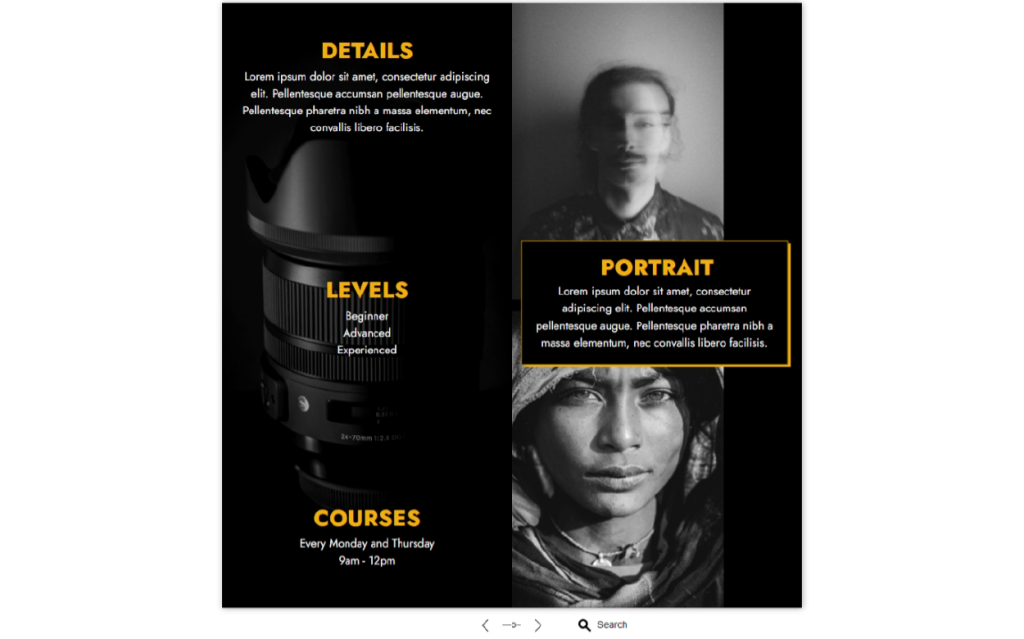
6. Photography Guide
If you are in the photography business, this lookbook example is for you. Easy to browse and explore, this Photography Guide features a beautiful page flip effect along with clickable images that reveal slideshows for users to enjoy. On the last page, an inviting signup form encourages potential customers to sign up for your course, ensuring they don’t miss the opportunity to engage with your brand further.
See a lookbook style you like?
Explore lookbook and flipbook templates to find a design that fits your brand.
How to engage visitors with Interactive Lookbooks?
If you liked any of the examples on this page, we have good news for you. You can easily recreate any of them on Dot.vu! Our lookbook creator is a user-friendly platform that lets you unfold your creativity.
Here are a few tips to help you take your lookbooks to the next level:
- Add a page flip effect. This crucial element gives life to your lookbooks, catalogs, and documents. All our flipbooks and lookbooks come with this effect.
- Implement different animations. Adding animations to your lookbook will captivate viewers, making them want more from your content.
- Remember stunning visuals. A lookbook is all about appearance. We recommend you always use high-quality images to grab the attention of your audience.
- Write good product descriptions. As previously mentioned, more than 80% of customers consider product content important when making purchasing decisions. Educate them about your products, preferably behind clickable elements to avoid design clutter.
- Incorporate clickable images. Add a clickable element to every item to allow buyers to click and learn more about your products, or even add them directly to their shopping carts.
- Assist buyers with a product finder. A built-in product finder with two or three questions is an amazing way to help customers find the right products for their needs.
- Encourage purchases with an add-to-cart button. Allow buyers to purchase their favorite items directly within the lookbook.
- Ensure your lookbook is mobile-friendly. Did you know that more than 75% of retail site traffic happens on smartphones? Make sure your lookbook is mobile-friendly to cater to your target audience.
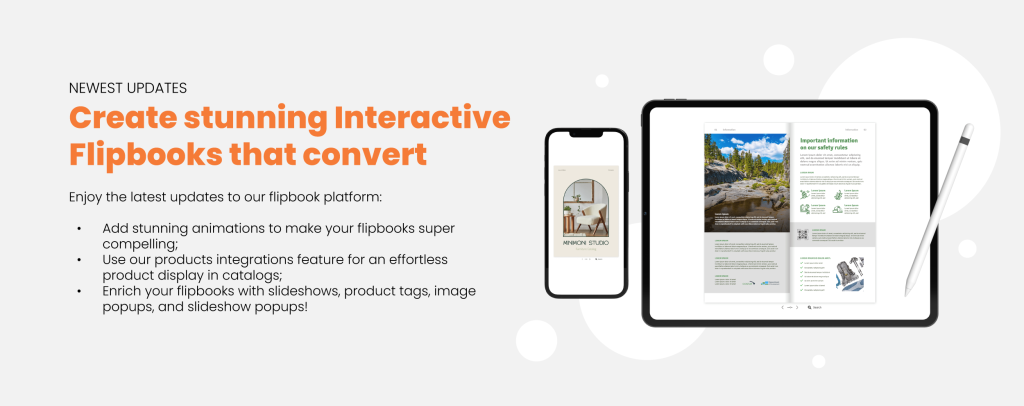
Create your branded Interactive Lookbook in no time!
Dot.vu helps thousands of brands like yours to create unique lookbooks that convert. All you need is to create a free account and explore our templates, each easy to customize. The best part is, you don’t need any coding skills! Just pick a template, drag and drop the elements you need, and add animations and Interactive Experiences as you wish.
Alternatively, you can also upload your existing PDF and let us convert it into a lookbook. Then, you can add all the animations and engaging elements you want.
Get started on our 14-day free trial today. Get your lookbook published within hours: