TL;DR (Quick Summary)
Interactive elements are the building blocks of Interactive Experiences. By allowing audiences to explore information, engage with content, and take action, they help transform presentations from passive slide decks into Interactive Presentations. Discover 15 interactive elements and how they can be combined to create better presentations.
Most Presentations Fail for the Same Reason
Most presentations don’t fail because the slides look bad.
They fail because audiences remain passive.
Whether someone is viewing a sales deck, product presentation, training module, or marketing experience, they’re often limited to clicking “next” repeatedly and wondering how many slides are left.
The problem isn’t a lack of information. It’s a lack of participation.
Modern presentations need to do more than present information. They need to involve audiences in the experience.
That’s where interactive elements come in.
- TL;DR (Quick Summary)
- Most Presentations Fail for the Same Reason
- How Interactive Presentations Go Beyond Slides
- Not All Interactive Elements Serve the Same Purpose
- Engagement Interactive Elements That Capture Attention
- Exploration Interactive Elements That Help Audiences Discover Information
- Learning Interactive Elements That Improve Understanding and Retention
- Personalisation Interactive Elements That Make Presentations More Relevant
- Conversion Interactive Elements That Support Decision-Making and Action
- How Different Interactive Presentations Combine Interactive Elements
- From Interactive Elements to Interactive Presentations
- Turning Presentations Into Experiences
How Interactive Presentations Go Beyond Slides
An Interactive Presentation allows audiences to actively navigate and engage with content rather than simply moving through a fixed sequence of slides.
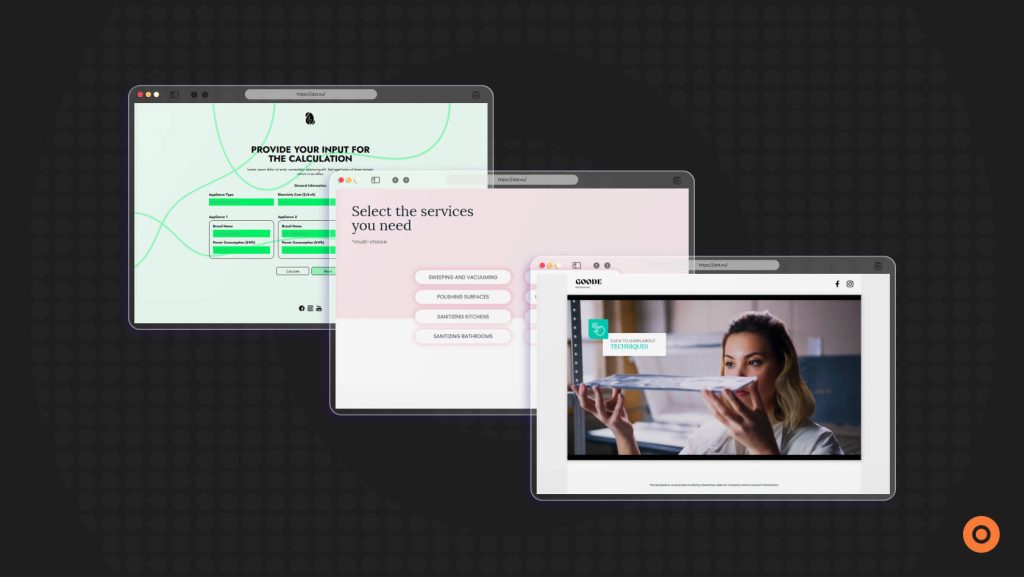
Unlike traditional presentations, Interactive Presentations can include videos, quizzes, calculators, and other interactive elements that encourage participation throughout the experience.
These elements are a core part of what makes an Interactive Presentation interactive.
However, not all interactive elements are designed to achieve the same goal.
Not All Interactive Elements Serve the Same Purpose
Many presentation guides treat interactivity as a single concept.
Add a quiz. Add a poll. Maybe throw in a video. Job done.
In reality, different interactive elements solve different presentation challenges. Some capture attention, while others help audiences explore information, learn, personalise content, or take action.
In this blog, we’ll group interactive elements into five categories:
Five Categories of Interactive Elements
- Engagement Interactive Elements – Capture attention and encourage participation.
- Exploration Interactive Elements – Help audiences discover and navigate information at their own pace.
- Learning Interactive Elements – Improve understanding, reinforce key concepts, and increase retention.
- Personalisation Interactive Elements – Adapt content based on audience needs, interests, or responses.
- Conversion Interactive Elements – Encourage action while generating valuable insights and data.
Let’s explore 15 interactive elements that can help modern presentations do exactly that.
Engagement Interactive Elements That Capture Attention
Before audiences can learn, explore, or take action, they need a reason to pay attention.
That’s where engagement elements come in. These interactive elements are designed to spark curiosity, encourage participation, and keep audiences involved throughout the presentation.
1. Interactive Videos
Interactive Videos allow audiences to click, choose, answer questions, or unlock additional content while watching.
They work particularly well for product demonstrations, onboarding, training, and storytelling.
Discover Interactive Videos:
Interactive Videos Solution Page
2. Polls and Surveys
Polls and surveys turn audiences from observers into contributors. After all, most people would rather click a button than sit through another slide full of bullet points.
Rather than simply presenting information, polls and surveys invite audiences to share opinions, provide feedback, and answer questions, creating a stronger sense of involvement while generating valuable insights.
3. Gamified Challenges
Sometimes a little competition is all it takes to keep people engaged.
Gamified challenges introduce elements such as points, scores, rewards, puzzles, or achievements into a presentation. These mechanics encourage participation while making the experience more memorable and enjoyable.
The goal isn’t to turn your presentation into a video game, but to create moments that motivate audiences to interact, stay engaged, and participate more actively.

Exploration Interactive Elements That Help Audiences Discover Information
One of the biggest challenges in any presentation is information overload.
When everything is presented at once, audiences often skim, skip, or lose focus. Exploration elements solve this problem by allowing people to reveal information when they’re ready for it.
Instead of forcing everyone through the same path, these elements encourage self-guided discovery.
Clickable Hotspots
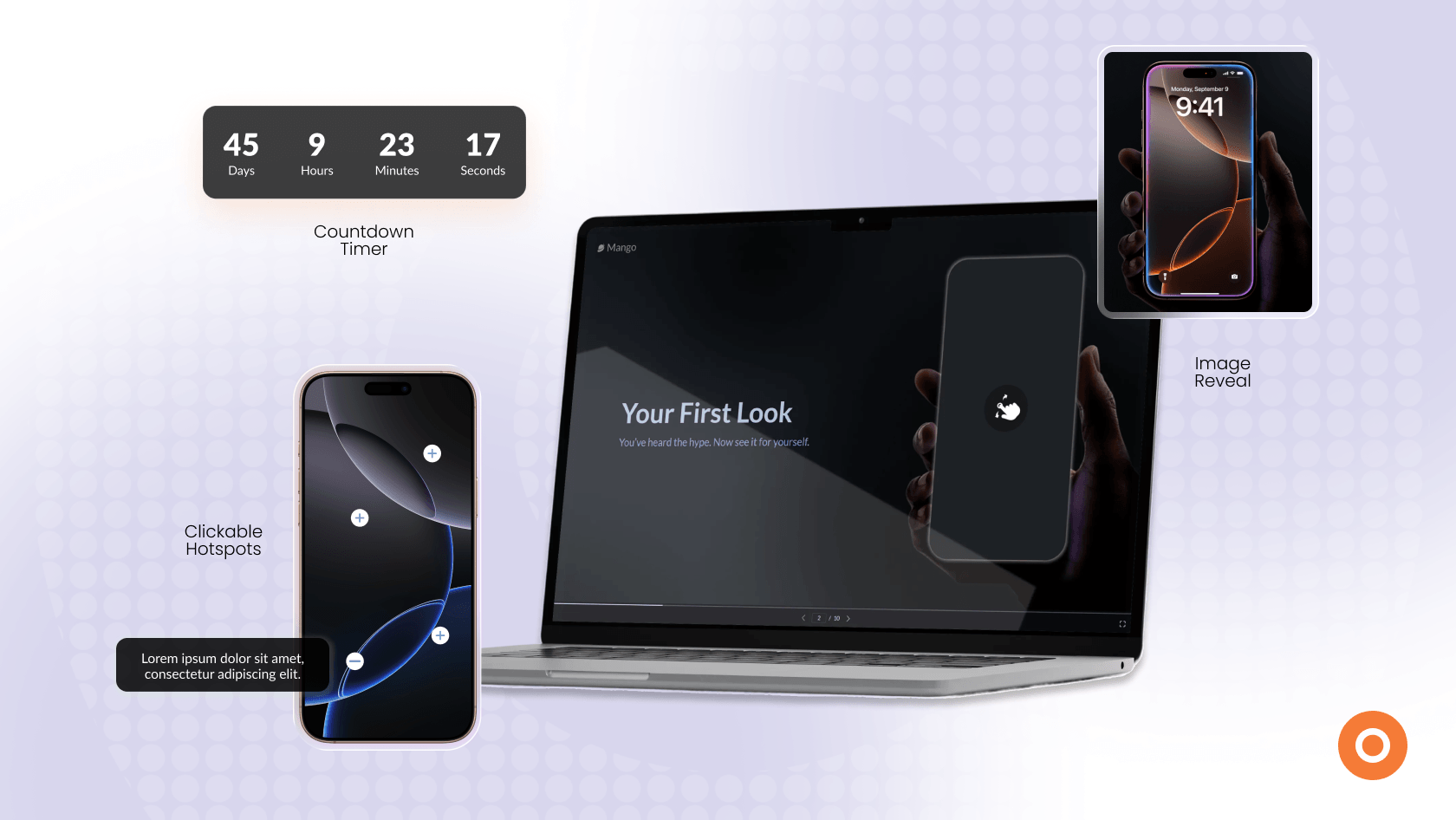
Hotspots allow audiences to click on specific areas of an image, graphic, product, or slide to reveal additional information.
They’re particularly useful for product presentations, feature walkthroughs, interactive diagrams, and visual storytelling.

Expandable Sections
Expandable sections allow users to reveal additional information only when they need it.
They’re commonly used for FAQs, product specifications, case studies, and supporting content.
Navigation Menus
Navigation menus allow audiences to jump between topics, sections, or content areas based on their interests.
Think Netflix menu, not page 47 of a PDF.
This makes them particularly useful for product presentations, sales presentations, and resource hubs.
Learning Interactive Elements That Improve Understanding and Retention
Getting someone’s attention is one thing. Helping them remember what they’ve learned is another.
Learning elements encourage active participation, which helps audiences engage more deeply with information rather than simply scrolling through slides or reading content passively.
Interactive Quizzes
Quizzes are one of the simplest and most effective ways to reinforce learning.
By asking audiences to answer questions throughout a presentation, quizzes encourage active thinking and provide immediate opportunities to apply new information, making them particularly useful for training, onboarding, education, and certification content.
Ratings
Ratings allow audiences to evaluate content, provide feedback, or express preferences using scales, stars, scores, or rankings.
Sometimes a simple “How useful was this?” is all it takes.

Assessments
Assessments go beyond testing knowledge by helping audiences evaluate themselves, their situation, or their needs.
For example, a maturity assessment might help a business evaluate its digital capabilities, while a skills assessment could identify training gaps.
Assessments are valuable because they don’t just provide information – they help audiences interpret information in a way that’s relevant to them.
Personalisation Interactive Elements That Make Presentations More Relevant
Not every audience member arrives with the same goals, challenges, or interests.
Personalisation elements help presentations adapt to different audiences, making the experience more relevant and useful.
In fact, 93% of marketers report that personalisation improves leads or purchases.
Product Recommenders
Product Recommenders help audiences identify the most relevant product, service, plan, or solution based on their responses.
Think of them as a shortcut to the shortlist.
Interactive Conversations
Interactive Conversations present information through a chat-style experience.
They work particularly well for onboarding, lead qualification, product discovery, and self-guided learning.
Discover Interactive Conversations:
Interactive Conversations Solution Page
Dynamic Content
Dynamic content changes based on audience behaviour, preferences, or previous responses.
For example, a presentation might display different case studies, recommendations, resources, or next steps depending on the information a user provides.
This helps ensure audiences see content that feels relevant to their specific situation rather than receiving the same experience as everyone else.

Conversion Interactive Elements That Support Decision-Making and Action
Capturing attention is valuable. Driving action is even better.
Conversion elements help presentations move beyond engagement by supporting decision-making, lead generation, and action.
Interactive Calculators
Calculators help audiences apply information to their own situation.
By entering their own data, users receive personalised results, making calculators particularly effective for ROI calculations, pricing estimates, savings projections, and business cases.
Discover Interactive Calculators:
Interactive Calculators Solution Page
Lead Capture Forms
Lead capture forms allow organisations to collect valuable audience information directly within the presentation experience.
Rather than interrupting the journey with a separate landing page, forms can be strategically placed when engagement and interest are highest.
They can be used to collect contact details, request demos, register event attendees, download resources, or gather additional information about audience needs.

Interactive Virtual Tours
Interactive Virtual Tours allow audiences to explore locations, environments, products, or facilities at their own pace.
They’re particularly effective for real estate presentations, campus tours, facility showcases, showrooms, and product demonstrations.
How Different Interactive Presentations Combine Interactive Elements
Different presentation goals require different combinations of interactive elements.
Product Launch Interactive Presentations
Product launch presentations need to build excitement while helping audiences understand features, benefits, and use cases.
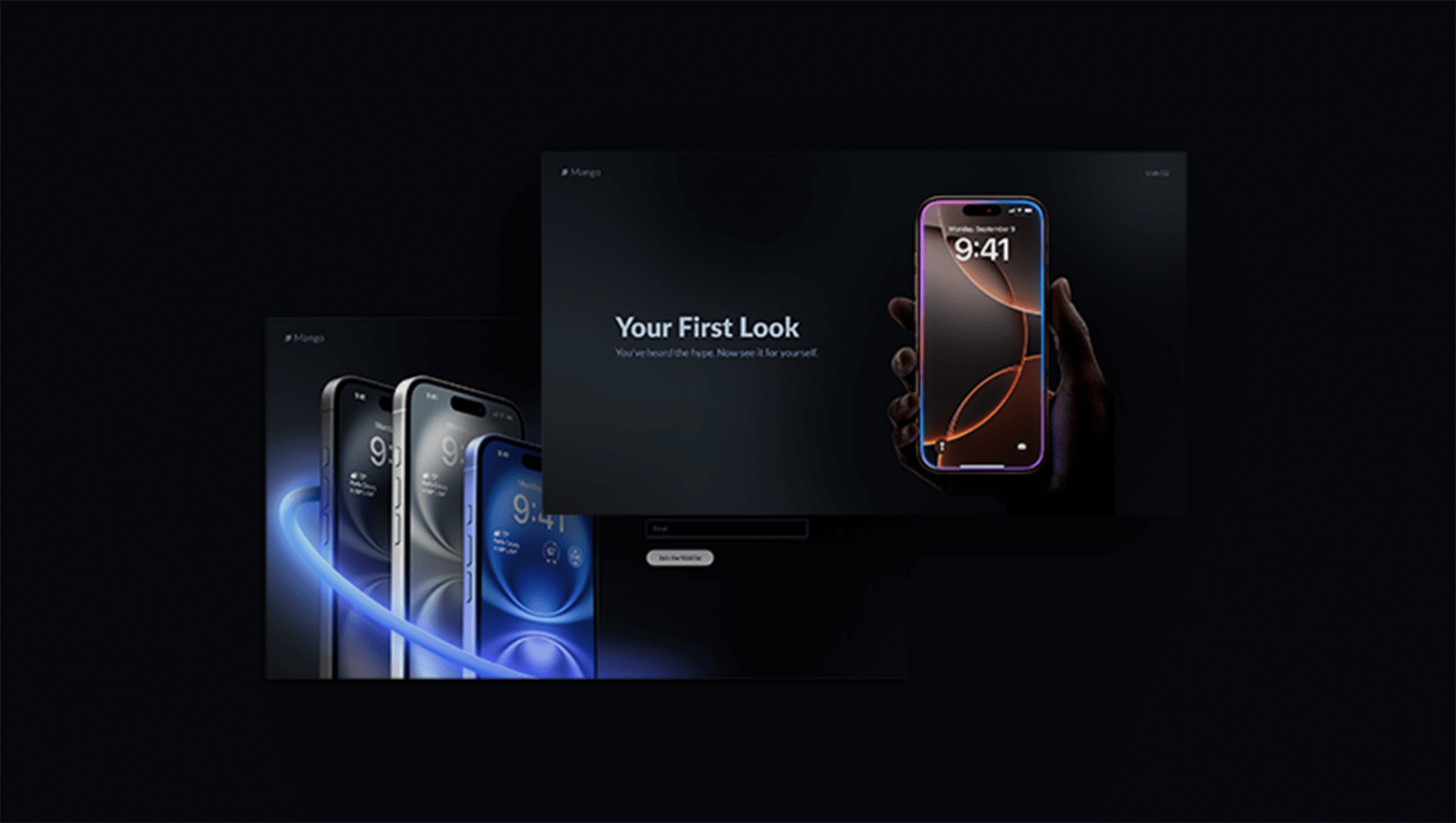
A Product Launch Presentation might combine:
- Interactive Videos to introduce the product
- Clickable Hotspots to highlight key features
- Expandable Sections for specifications and additional details
- Product Recommenders to guide audiences towards the right option
- Lead Capture Forms for demo requests and follow-up enquiries
This combination helps transform a product announcement into an interactive product discovery experience.
Employee Onboarding and Training Interactive Presentations
Training and onboarding presentations need to keep learners engaged while reinforcing important information.

A training-focused presentation might combine:
- Navigation Menus to organise learning modules
- Interactive Quizzes to reinforce key concepts
- Ratings to gather learner feedback
- Assessments to evaluate understanding
- Dynamic Content that adapts based on learner progress
Instead of clicking through static slides, learners actively participate throughout the experience.
Sales and Marketing Interactive Presentations
Sales presentations often need to educate prospects, personalise content, and support decision-making.

A sales-focused presentation might combine:
- Interactive Conversations to guide discovery
- Product Recommenders to narrow choices
- Interactive Calculators to demonstrate value
- Clickable Hotspots to showcase products or services
- Lead Capture Forms to continue the conversation
This creates a more engaging buying experience while helping prospects find information relevant to their needs.
Event and Corporate Interactive Presentations
Event presentations, company profiles, and business proposals often need to communicate a large amount of information without overwhelming audiences.

These presentations might combine:
- Interactive Videos to introduce key messages
- Navigation Menus to organise content
- Expandable Sections for supporting information
- Polls and Surveys to gather audience feedback
- Interactive Virtual Tours to showcase facilities, campuses, or environments
This allows audiences to explore content at their own pace while staying engaged throughout the presentation.
See Interactive Elements in Real Presentations:
10 Creative Presentation Ideas with Interactivity (and Great Examples)
From Interactive Elements to Interactive Presentations
Knowing which interactive elements to use is one thing. Building them is another.
Fortunately, you don’t have to start from scratch.
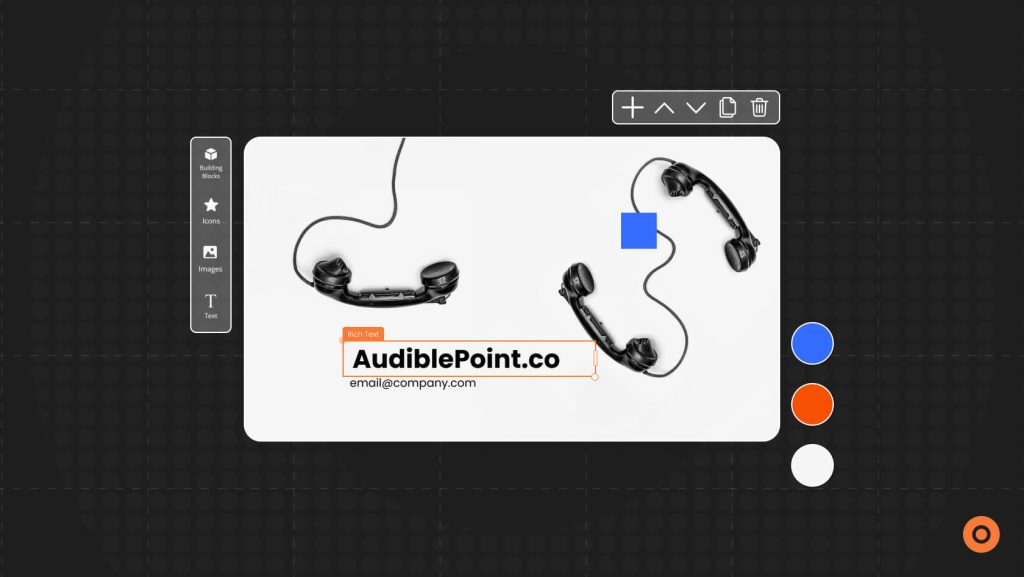
You can begin with a ready-made Interactive Presentation template and customise it to fit your brand, content, and goals. Whether you’re creating a product launch presentation, employee onboarding experience, sales deck, training presentation, or company profile, templates can help you get started faster.
Not sure exactly what type of interactive element you need?
AI Interactive Builder can help you generate custom interactive components based on your goals, making it easier to bring new presentation ideas to life without extensive development work.
Turning Presentations Into Experiences
Interactive elements transform presentations from passive slide decks into engaging experiences.
Whether you’re using videos, quizzes, recommenders, calculators, or virtual tours, each element plays a different role in helping audiences participate, explore, learn, and take action.
With more than 300+ templates and over 20 Interactive Experience solutions, Dot.vu makes it easy to create Interactive Presentations tailored to virtually any audience, objective, or industry.
Why settle for slides when you can create an experience? Explore Interactive Presentations with a free 14-day trial.