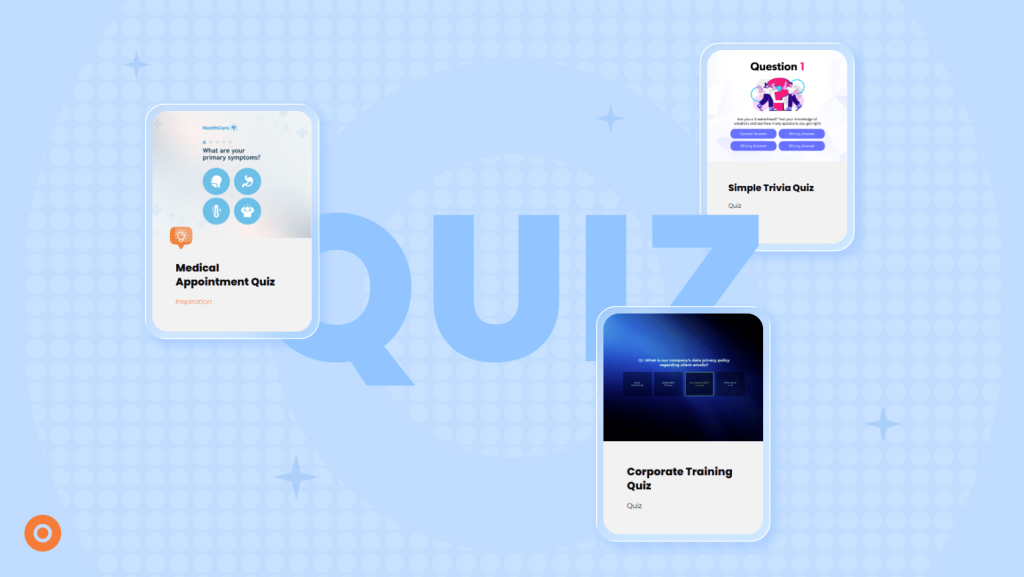
An Interactive Quiz can help customers understand a topic, find a suitable product or work out which service they need. For your marketing team, their answers can reveal interests, identify potential leads and guide more relevant follow-up.
Research shows how people participate in Interactive Content. According to Riddle’s State of Interactive Content 2026 report, people who started an Interactive Experience on its platform spent 112 seconds actively engaging with it on average, and 72.7% completed it. These platform-specific findings cover different interactive formats, with performance varying by format, audience and campaign design.
For your quiz, start by deciding what participants should gain. A helpful recommendation? A clearer understanding of a problem? Feedback on what they know? Build your questions around that purpose.
In this guide, you’ll learn how to choose a quiz format, write useful questions and results, decide where a lead form belongs and measure performance. You’ll also find four Dot.vu examples to help you plan your own.
Table of contents:
What is an Interactive Quiz?
| An Interactive Quiz is a dynamic online tool that challenges users with questions on specific topics or fun facts, leading to a personalized result based on their responses. |
A quiz is an interactive format per definition, as people interact with the content by answering the questions. However, online quizzes for marketing go beyond the traditional concept of answering questions. Today, there are endless possibilities for building an extraordinary quiz with additional gamified elements. Later in this blog post, you will find various examples that you can explore.
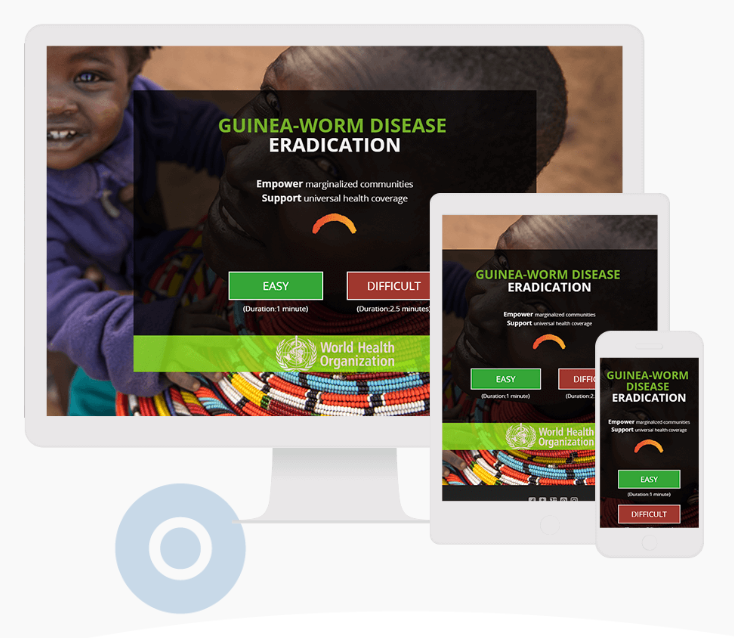
AI is also changing how Interactive Quizzes are created. With Dot.vu’s AI Interactive Builder, you can describe your quiz idea in plain language and generate a starting point. From there, you can adjust the questions, answers, and design to suit your audience and brand.

Benefits of using an Interactive Quiz
Using an Interactive Quiz has many benefits for your visitors. Just like any type of Interactive Content, customers can experience your brand in an engaging way that enhances their overall journey on your platform. However, what are the benefits for your company?
Extend your reach on social media
When using an Interactive Quiz, you can encourage participants to share their results with others on social media. This will not only get your customers more attached to your brand, but it will also extend your reach to new potential buyers on social media. Shared media is great for companies because it is free, and word-of-mouth marketing often means more to people when making buying decisions about products.
Grow your email lists
You can gate your quiz with an opt-in form. This form will allow you to add participants to your email newsletter list. Strategically place the form at the end of the experience before you give the results for maximum generation and watch your contact list grow.
Pro tip: Follow the gated content best practices for optimal results.
Capture qualified leads
Interactive Quizzes can help you generate leads for your business. The average quiz has a 31.6% lead capture rate. Give your company the benefit of many new leads by targeting customers on all sales funnel stages.
Create questions that help reveal insights about your audience and gain valuable insights into their personal preferences and pains. By doing this, the leads you capture will be of high quality.
Personalize your email marketing
With the collected data from your quiz, you can create more targeted email campaigns that give your customers what they need. Target the right customers with the right products and offer value within each email.
The benefits of sending personalized emails are higher open rates, lower unsubscribe rates, better customer relationships, and higher conversion rates. You can get the most out of this method if you follow the email personalization best practices.
How Interactive Quizzes support your business goals
A quiz works best when participants gain something useful and your team knows what it wants to achieve. Here are five goals an Interactive Quiz can support.
Educate your audience
Use questions to help people check their understanding and learn something along the way.
For example, a coffee brand could ask about brewing methods and explain each answer. Participants leave with practical advice, while the brand learns which topics need more explanation.
Focus on helpful feedback rather than simply marking answers right or wrong.
Generate and qualify leads
A quiz can give visitors a reason to share their details, such as receiving a useful report or requesting advice based on their answers.
To support qualification, ask questions that reveal whether your offering fits their needs. A software company might ask about team size, current challenges and implementation plans.
Completing a quiz does not automatically make someone a qualified lead. Agree with your sales team on which responses indicate a suitable prospect and what should happen next.
Collect first-party audience insights
Quiz responses give you information collected directly from your audience. Questions about preferences, priorities and challenges can help you improve content, recommendations and campaigns.
Ask questions you can act on. If someone identifies a topic they need help with, use that answer to suggest a relevant resource.
Remember that quiz participants are a self-selected group. Their answers provide useful insights, but may not represent your entire customer base.
Help customers discover products
A product recommendation quiz helps shoppers narrow down their options.
For example, a furniture retailer could ask about room size, style and budget before suggesting suitable desks. Explain why each recommendation fits so customers can make an informed choice.
Measure product clicks and purchases where tracking is available, alongside quiz completion.
Personalize your follow-up
Use participants’ answers to guide the information they receive next, in line with their communication preferences.
Someone looking for beginner guidance could receive an introductory resource. Someone comparing solutions could receive a comparison guide or an invitation to speak with your team.
Plan these follow-ups before launching. Each result should connect to a clear, relevant next step.
Types of Interactive Quizzes
There are many types of quizzes out there. Traditional quizzes have been used to test people’s knowledge on a specific topic, but nowadays, online quizzes can be just as much about fun as they are about education.
Social Media Quiz
Social Media Quizzes are great for engaging your audience in a fun way. Choose a topic and questions that cover a theme or trending topic to attract your customers. Then, you can make the connection to your brand or product at the end when you give the results. Allowing customers to share their results on social media helps you extend your campaign reach to new customers.
Branding Quiz
One great way for you to educate your customers about your brand is with a Branding Quiz. These marketing quizzes will get customers interested in your products and services by learning more about your brand in the process. You can take the fun up a notch by adding various discounts at the end of the quiz for those who received a higher score. It is a win-win situation that can really create some interest in your brand.
Lead Quiz
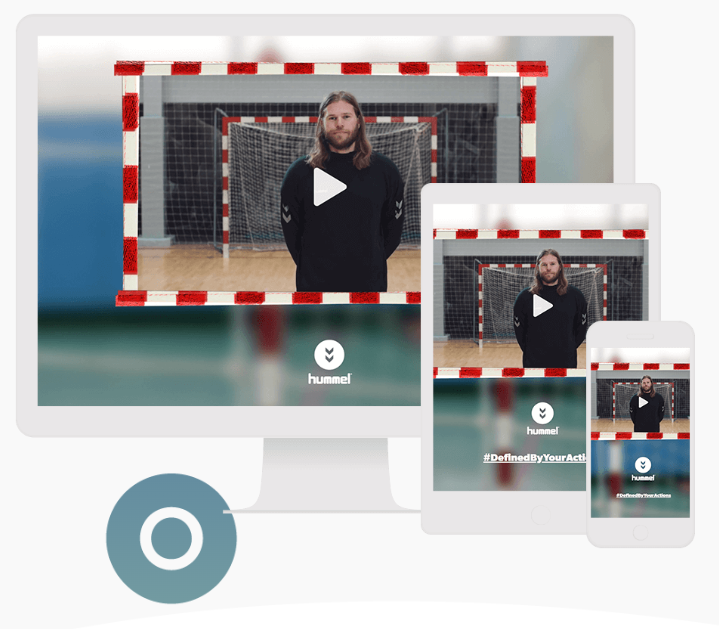
Lead Quizzes are short quizzes for lead generation in which marketers can insert a lead form to get customer personal data. These quizzes are generally short and focus on the value of the result. Customers are interested in the quizzes because of the value they associate with the feedback expected. They will be more engaged to the end of the experience and generate more of a connection to your brand for giving them the information they seek.
Promotional Quiz
If you are hoping to promote a new product or special offer, you might consider using a Promotional Quiz. The questions to this quiz can be all about your brand and products. Customers will have to spend a lot of time on your website to find the answers, which will help them gain more knowledge about your brand.
If you use this quiz like a contest, you can offer an incentive to get participants excited and engaged with your interactive content to the very end of the experience.
Personality Test
Some people classify Interactive Personality Tests as a type of quiz. However, there is no right or wrong answer here. Therefore, a Personality Test can be a type of Interactive Content on its own. As the name of the concept suggests, the users answer a few multiple-choice questions about their character traits. As a result, they discover more about who they are. At the same time, you can use the data afterward to suggest products or services that match their preferences.
Personality Tests attract visitors because they tap into our curiosity gene. Furthermore, the more people that share their results on social media, the better visibility for your brand.
How to create online quizzes?
1. Choose your campaign goal
Start with one primary objective. Do you want to educate customers, generate qualified enquiries, understand preferences or help people find products?
Then define what participants will gain. For example: “Answer a few questions to find a desk that fits your workspace.”
Choose a success metric that matches the goal, such as product clicks, completed assessments or consultation requests.
2. Select the quiz type
Match the format to the task. A knowledge quiz suits education, while a recommendation quiz helps with product discovery.
Consider how much effort your audience will be willing to make. A short promotional quiz needs a different approach from a detailed business assessment.
Add game elements when they serve a purpose. A timer might suit a trivia challenge but make a considered product choice unnecessarily difficult.
3. Plan your results and scoring
Outline the possible results before writing the questions. This helps you decide what information you need to collect.
For a knowledge quiz, define the correct answers and scoring rules. For a product quiz, map preferences to suitable recommendations.
Decide how to handle tied scores, conflicting preferences and answers that do not produce a clear match. Every result should include an explanation and a useful next step.
4. Write clear, relevant questions
Ask one thing at a time and use language your audience understands. Keep answer choices distinct and include “Not sure” or “Not applicable” where appropriate.
Use the fewest questions needed to produce a useful result. Remove questions that repeat information or do not affect the outcome.
For educational quizzes, explain the answer so participants learn as they go.
5. Plan your lead form
Decide whether you need contact details at all. A quiz can support learning or product discovery without collecting an email address.
If lead capture is part of the goal, ask only for the information needed to deliver the promised value and support the next step.
Choose whether the form should appear before the quiz, before the result or afterward. Explain any required registration on the opening screen.
6. Build and design your quiz
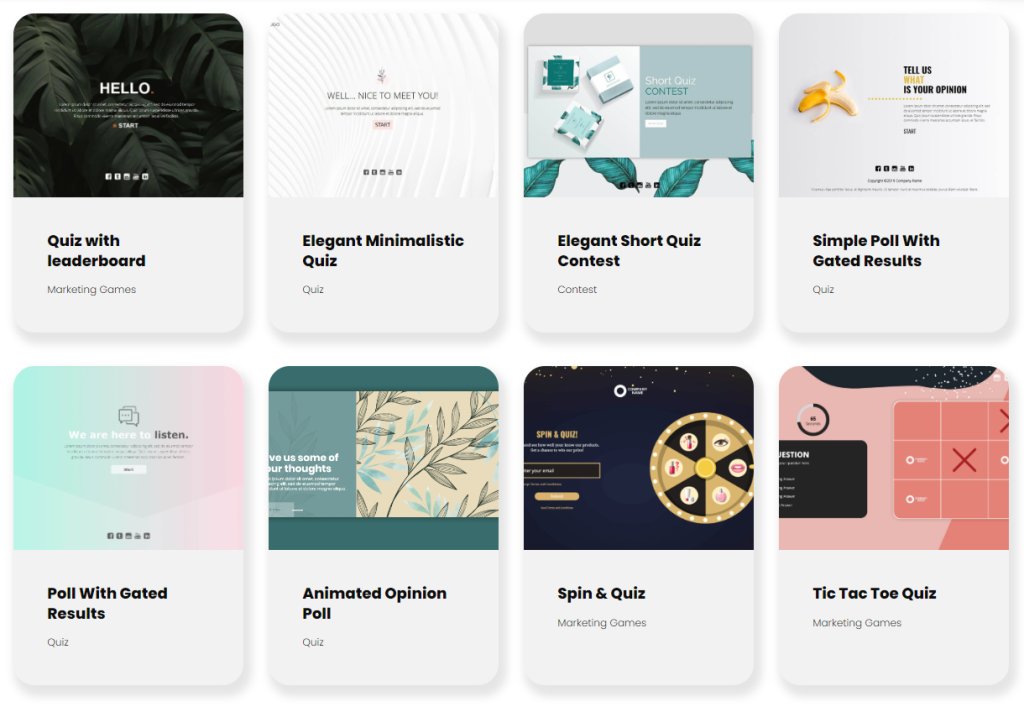
Start with a Dot.vu quiz template and customize the questions, results, colors and branding.
You can also use the AI Interactive Builder to generate a starting point from a prompt, then refine the content, design and logic in Dot.vu.
Keep text readable, make answer buttons easy to select and show participants their progress. Check mobile layouts and keyboard navigation.
7. Set up integrations and follow-up
Decide which answers, results and contact details should reach your CRM or email platform. Dot.vu supports integrations including HubSpot and Mailchimp.
Map the information to the correct fields and keep marketing permission separate from the quiz result.
Then define the follow-up for each relevant group. A participant requesting introductory guidance should receive that resource, while someone asking for a consultation should reach the appropriate team.
8. Test the complete experience
Test each scoring rule and result, including ties and incomplete responses. Check buttons, links, form validation and any time limits.
Submit test entries to confirm that information reaches the right CRM fields and that the intended follow-up occurs. Test what happens when someone declines optional marketing emails.
9. Publish and promote
Place the quiz where it supports a relevant task, such as a product category page, educational article or campaign landing page. Dot.vu supports website embedding and shareable links.
Promote it through channels your audience already uses. Explain what your audience will gain by participating and use campaign-tagged links to distinguish traffic sources.
Interactive Quiz examples
It is time to explore some examples of online Interactive Quizzes that look different but have the same purpose – engaging your website visitors.
Online Quizzes
Simple Quiz with text answers
This is a very user-friendly quiz with text input answers.

Quiz with gated results
This template consists of four questions and requires visitors to fill out a lead form to start the quiz. You provide participants with hints and short explanations after every question.
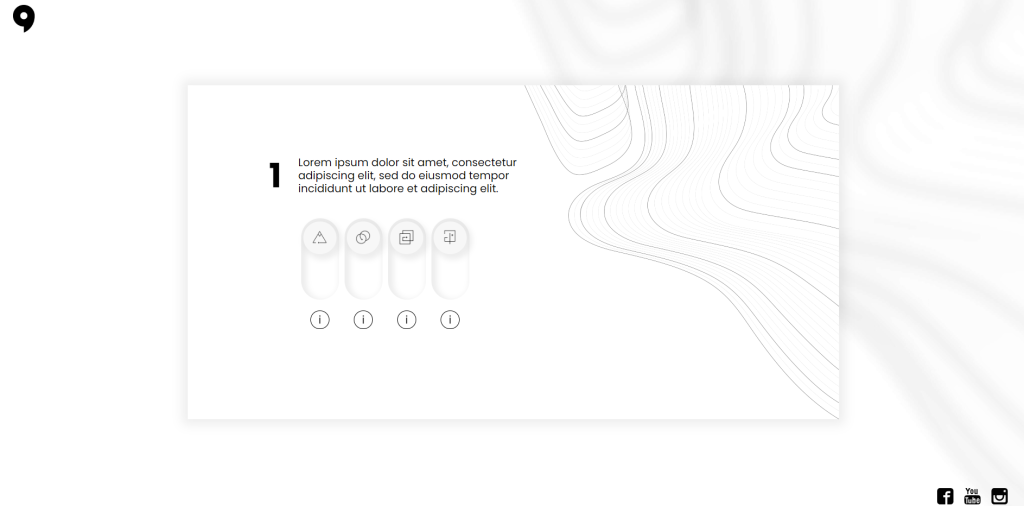
Simple trivia quiz
You can add trivia facts to every question of your quiz to educate and challenge your audience. The template is simple to edit on our platform.
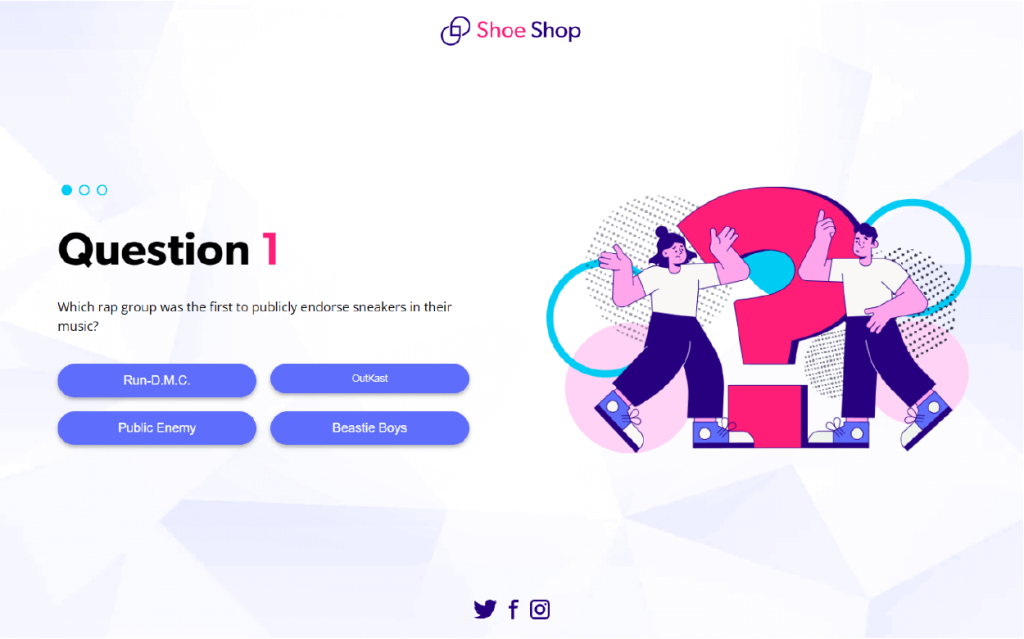
Elegant minimalistic quiz
This quiz contains five questions with four options each.
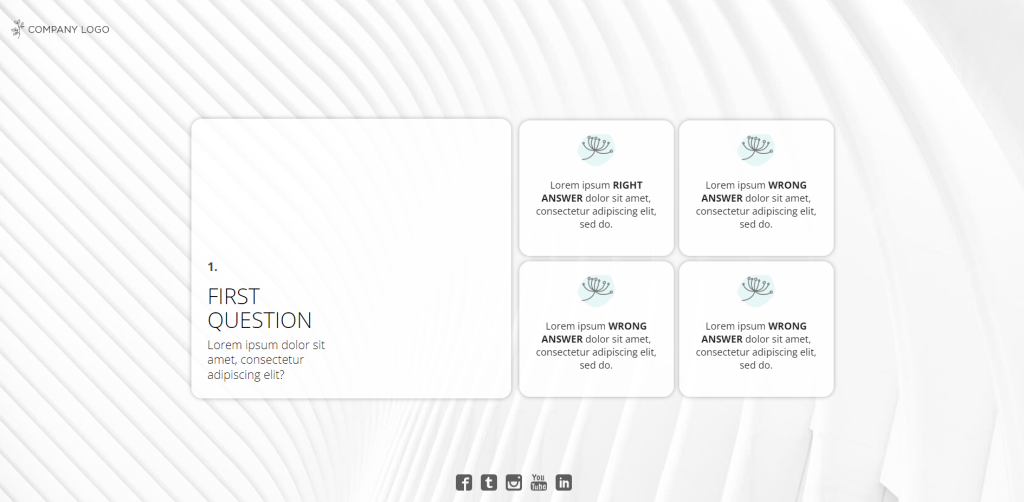
Simple quiz
This is a very quick and easy-to-customize template with five questions.
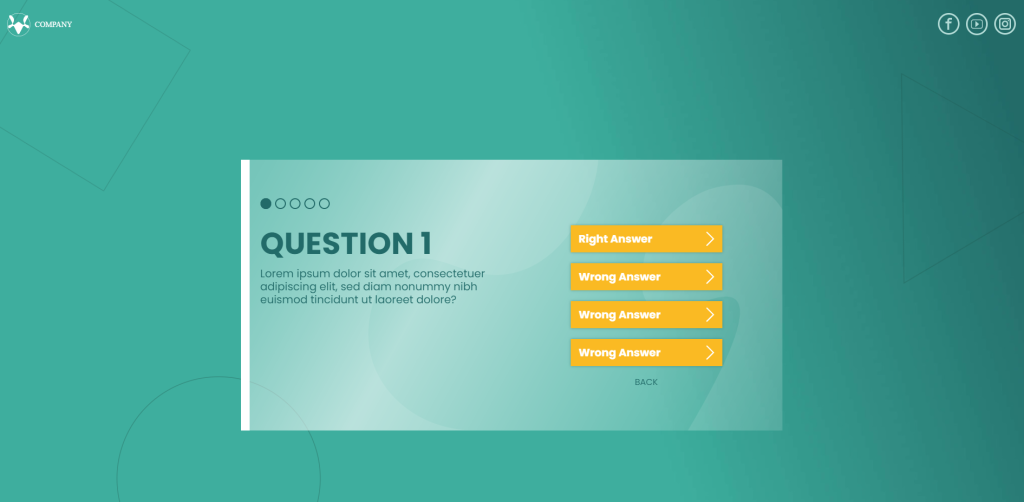
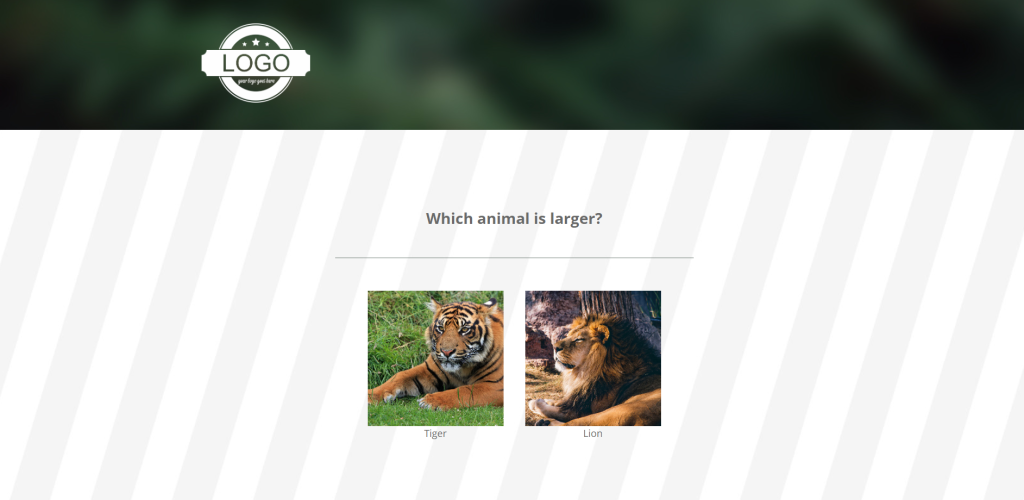
Visual quiz
This is an interesting quiz template where participants answer questions by choosing the right images.
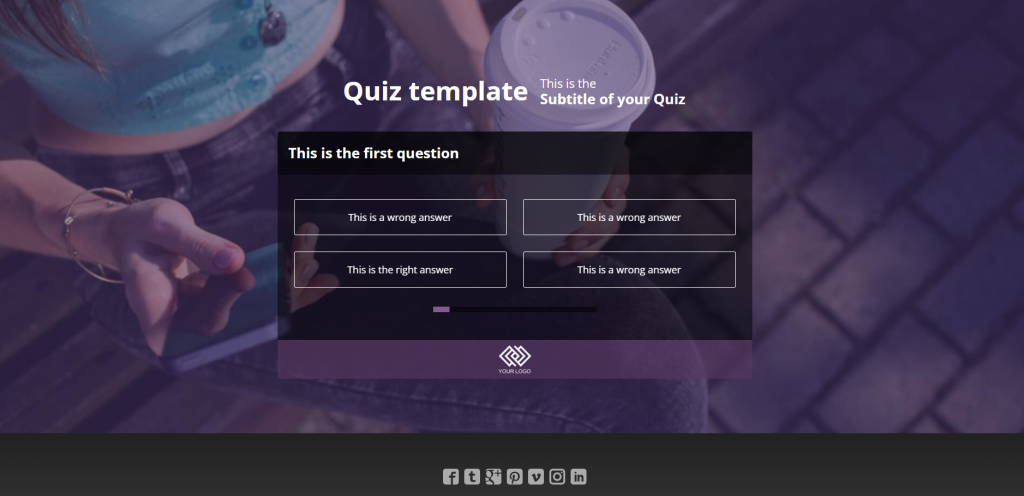
Long quiz
This template consists of ten questions.
Games with quizzes
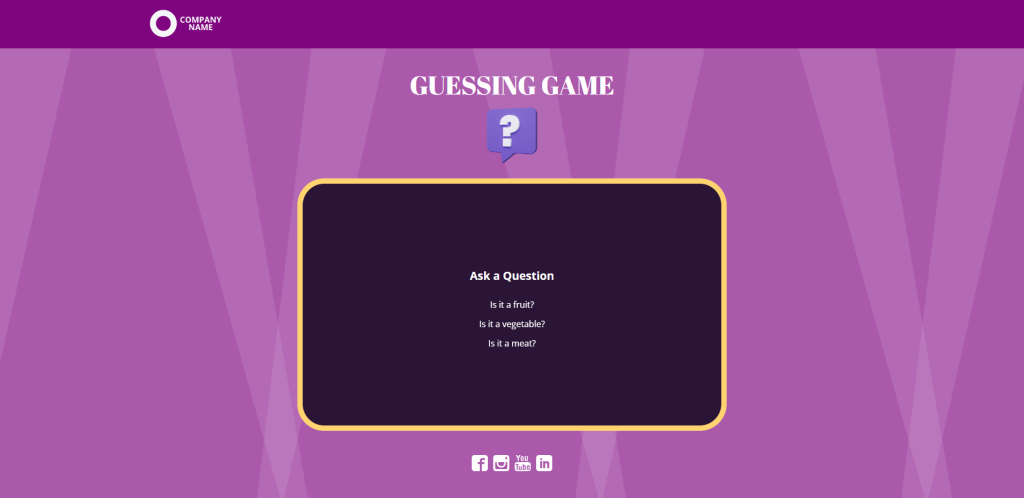
Guessing game
This challenging guessing game gives your customers a chance to win a prize if they answer more questions correctly.
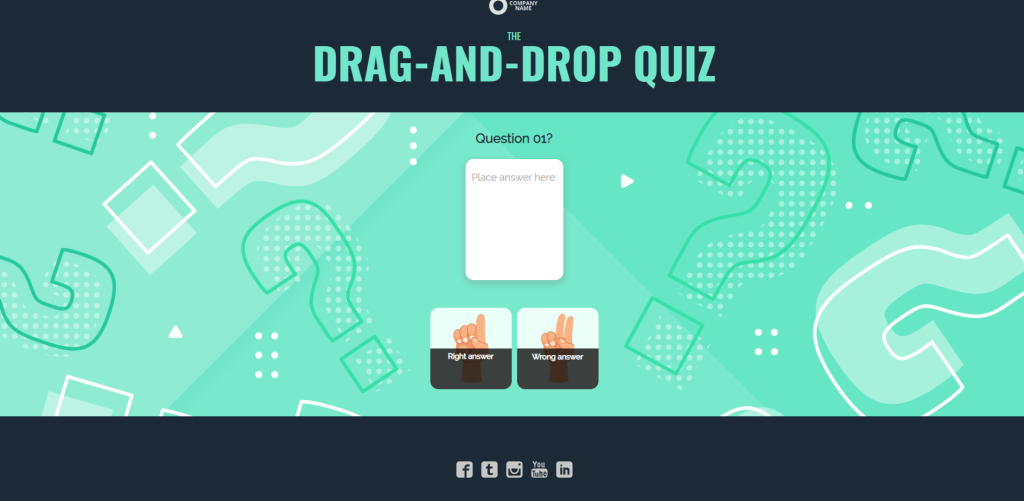
Drag-and-drop quiz
This quiz with a twist is perfect for engaging your audience. Instead of clicking on the right answer, your visitors drag-and-drop the answers.
Quiz with leaderboard
This quiz taps into the competitive nature of people. After the participants answer all questions or the time runs out, a leaderboard features people who performed best.

Think your audience would enjoy a challenge?
Create a quiz with your own questions and branding. Explore what you can build with a 14-day free trial.
Elegant short quiz contest
This is a short quiz with three questions that activates online users actively with a prize for the lucky winners.

Spin and quiz
This fun spin-the-wheel game contains questions in each category. This template can educate your audience about your company, products, or industry.

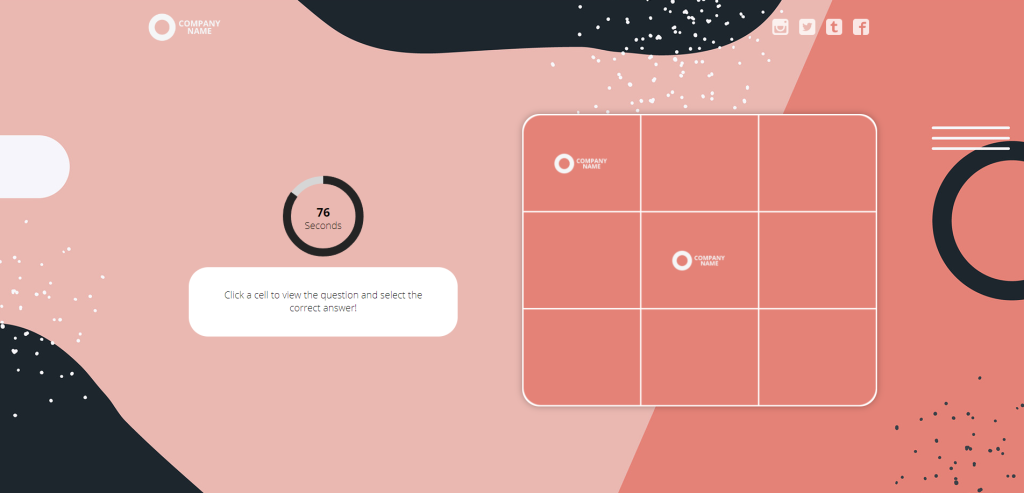
Tic tac toe quiz
This is a challenging game where your visitors have to place three correct answers in a horizontal, vertical, or diagonal line in less than 90 seconds.
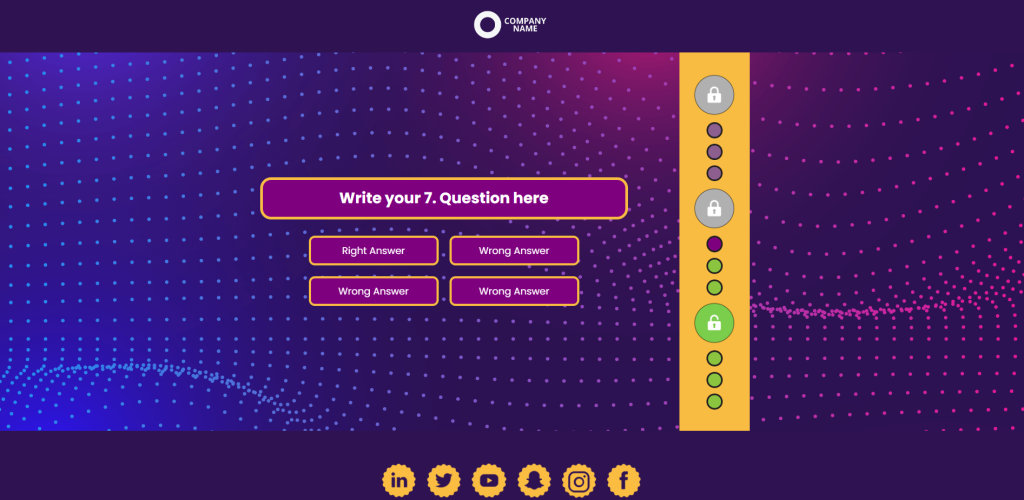
Level up quiz
This is a 12-question quiz with three different prize levels. Once players unlock a prize level, they earn a scratch card to win an instant prize.
Educational quiz contest
This template allows your visitors to enter a contest after finishing the quiz.

Single question quiz contest
As the name suggests, the quiz has one question only.

Quizzes for seasonal campaigns
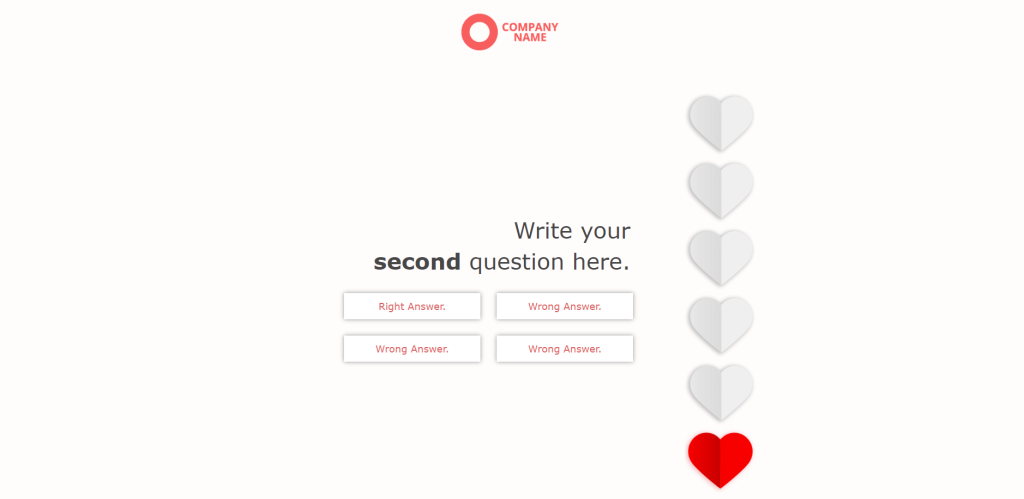
Valentine’s quiz
This template is perfect for Valentine’s Day campaigns.
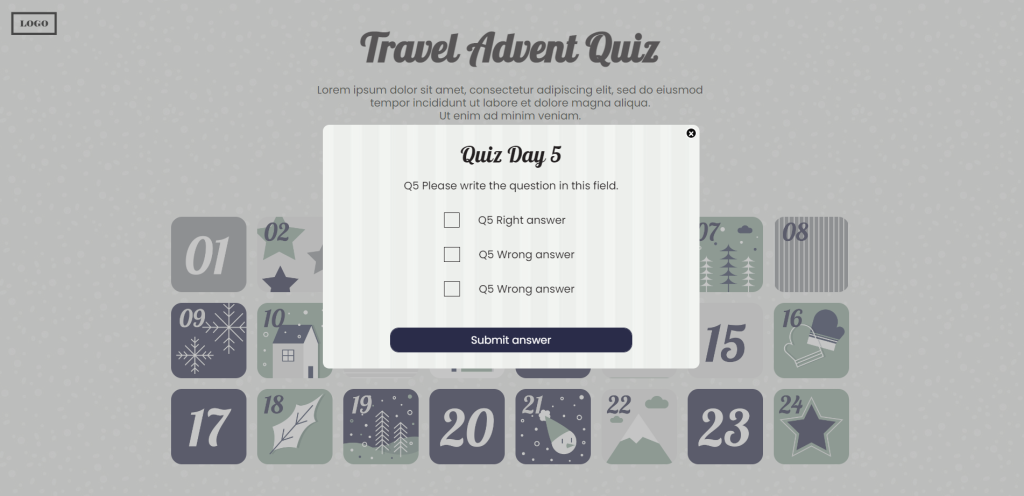
24-day advent calendar with quiz
This advent calendar with a quiz is a great Christmas marketing idea that will set you apart from the competitors.
Christmas daily quiz
This is a great tool to reward active customers who visit your website to answer the questions daily. Moreover, sharing this experience on social media would make a great Christmas interactive post.
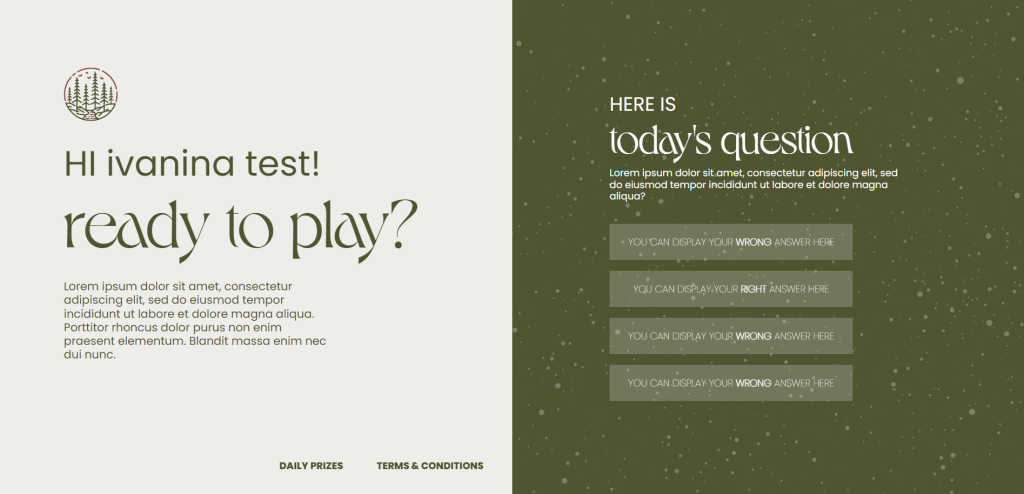
Are you ready to bring excitement to your customers with an Interactive Quiz?
As you can see, Interactive Quizzes have many benefits for both the company and the customer. They are great tools for your next marketing campaign! Try it out with a new product launch, big sale, or seasonal marketing campaign! See how engaging customers in a fun, memorable experience can get them coming back for more interaction with your brand.
What are you waiting for? Start planning your Interactive Quiz today!
Visit Dot.vu to see the many templates for Interactive Quizzes and get inspired. Also, you can get a peek at what other companies have done with online quizzes by looking at the customer examples on Dot.vu.
Did you know that you can build an Interactive Quiz in no time, without writing a single line of code. Why not try now? Create a free account and try working with a template!